Add Text Behind Object with REAL Shadows in Photoshop!

معلومات تحميل وتفاصيل الفيديو Add Text Behind Object with REAL Shadows in Photoshop!

المؤلف:
PiXimperfectتاريخ النشر:
28/5/2025المشاهدات:
3.7Kالوصف:
Learn how to place text behind any object, subject, or anything at all, with realistic shadows in Photoshop! In this video, we'll learn how to put text behind an image and also keep everything editable. Then, we use fundamental Photoshop techniques to create realistic environmental shadows using the power of blending modes. We cast the subject's shadow onto the text and add additional details to make the shadow look real. Finally, we create a 3D highlight effect for the text, making it stand out from the background while still looking natural. I hope this video helps you. Thank you so much for watching :) 00:00 Intro 00:20 Adding Text Behind Subject 02:11 Create Natural Shadows 02:55 Create Subject Shadow 08:15 Add 3D Text Effects 10:11 Improve Masks and Hair 11:45 Finishing Touches 13:38 Quick Recap
فيديوهات مشابهة: Add Text Behind Object with REAL Shadows in Photoshop
PSDT: Photoshop’s Most Underrated Presets!
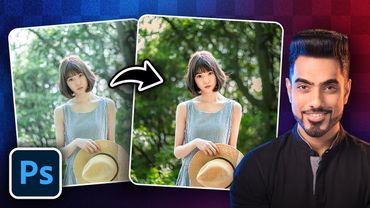
5 Photoshop Tricks to Improve Any Portrait FAST!

Viral Horizontal Reel Editing 2026 | Premiere Pro Tutorial
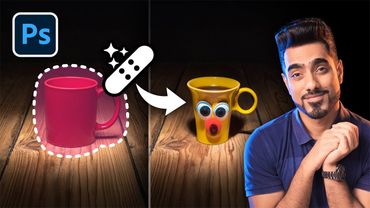
Photoshop’s Remove Tool is BROKEN! What Now?
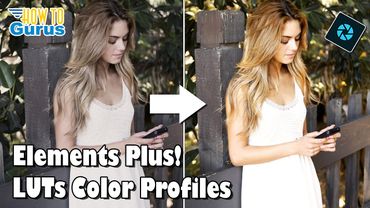
How to Use the Elements Plus LUTs Color Profiles for Photoshop Elements