DaVinci Resolve للمبتدئين تمامًا!

DaVinci Resolve للمبتدئين تمامًا!34:32

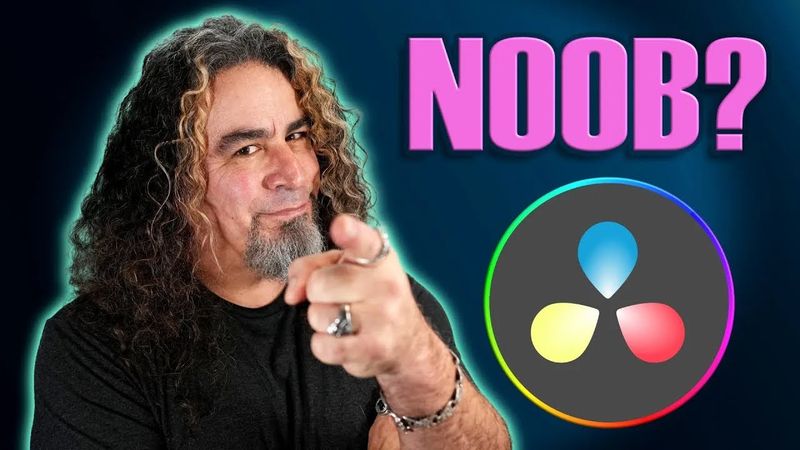
معلومات تحميل وتفاصيل الفيديو DaVinci Resolve للمبتدئين تمامًا!
المؤلف:

Daniel Batal

تاريخ النشر:

22‏/1‏/2023

المشاهدات:

1M

الوصف:

The video begins at 0:00 with an introduction to DaVinci Resolve for absolute beginners, then at 0:23 it compares the free and paid versions. At 1:35 the presenter shows how to create a new project, followed by a tour of the Resolve interface at 2:04. The next section at 2:44 explains working in the Edit page, while 3:00 covers project settings. At 4:36 the layout of the Edit page is broken down, and 5:38 demonstrates how to create “boxes” in the workspace. The tutorial continues with media import at 7:00, adding clips to the timeline at 7:45, and zooming in and out of the timeline at 8:10. At 8:34 the presenter explains how to color grade clips, and at 13:05 shows how to cut, adjust, and delete clips in the timeline. Keyboard shortcuts are reviewed at 13:20, followed by a discussion of Ripple delete functions at 14:46. At 16:14 the video covers adding video transitions, and 17:55 shows how to resize clips. The next part at 19:29 explains adding text, while 21:53 covers audio control in Fairlight. At 23:30 the presenter demonstrates adding audio effects, and 24:12 explains how to export a project. The export of a specific timeline portion is shown at 27:53, and the video concludes with tips for running DaVinci Resolve smoothly at 30:05.