Attach Objects to Walls and Ground in Filmora 14 - Planar Tracking Tutorial
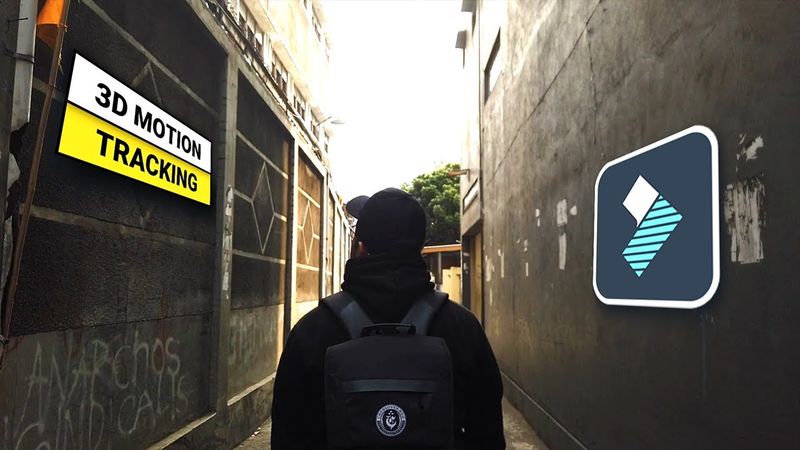
Download-Informationen und Videodetails Attach Objects to Walls and Ground in Filmora 14 - Planar Tracking Tutorial
Autor:
DonV TutorialsVeröffentlicht am:
21.11.2024Aufrufe:
13.5KBeschreibung:
Ähnliche Videos: Attach Objects to Walls and Ground in Filmora
How to make a PROGRESS BAR in Premiere Pro ( Part 2)
Motion Graphics Reels in Premiere Pro – Smooth transition tutorial

Clone Tutorial Using the New Object Mask in Premiere (beta) | @jafaralwashmedia x Adobe Video

How To Draw Anger | Inside Out 2 | 14 Minute Sketch Tutorial
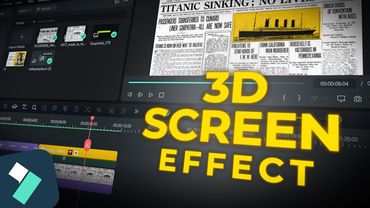
Creating 3D Screen and Text Highlight Effects in Filmora 14