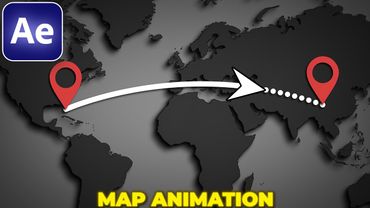
Easy Vector Map Animation Tutorial | Vox & Johnny Harris Style in After Effects
Download-Informationen und Videodetails Easy Vector Map Animation Tutorial | Vox & Johnny Harris Style in After Effects
Autor:
Seiji YūshinVeröffentlicht am:
12.9.2025Aufrufe:
3.3KBeschreibung:
Learn how to create a clean vector map animation in the style of Vox documentaries and Johnny Harris using Adobe After Effects. This simple method is beginner-friendly and requires no paid plugins, making it perfect for documentaries, explainer videos, travel content, or storytelling projects. In this tutorial you’ll learn to import and prepare a vector map, animate smooth zooms with a camera and null object, highlight cities and regions with animated markers, add text labels with free plugins, and apply cinematic effects like noise, blur, and posterize time for the Vox look.
Ähnliche Videos: Easy Vector Map Animation Tutorial

After Effects Tutorial: Digital Slideshow in After Effects | Free Project

Motion Graphics Tutorial | Pro Logo Animation in After Effects | Panda Logo Animation | psstudio
3D Gradient Cubes Animation in After Effects | After Effects Tutorial

5 CREATIVE Title Animations in After Effects

Learn Motion Graphics Animation Step-by-Step in After Effects