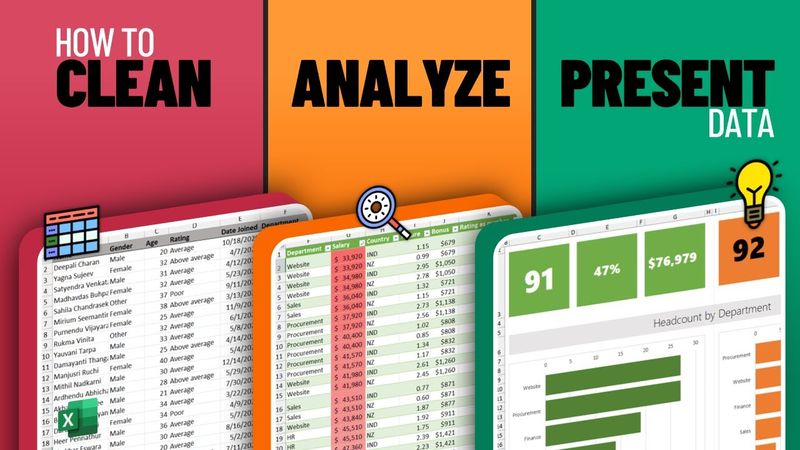
How to Clean, Analyze and Present Data with Excel (FREE Adv. Course)

Download-Informationen und Videodetails How to Clean, Analyze and Present Data with Excel (FREE Adv. Course)
Autor:
ChandooVeröffentlicht am:
13.6.2023Aufrufe:
469KBeschreibung:
Learn advanced data analytics in Excel with this comprehensive course. The video covers how to approach a data analysis project, systematically clean data, perform exploratory data analysis using formulas and tables, combine datasets with Power Query, conduct statistical analysis, and use advanced formulas like COUNTIFS, SUMIFS, and XLOOKUP. You’ll also build an information finder, compare male vs. female data with pivot tables, calculate bonuses based on business rules, and create visual analytics with histograms, box plots, and correlation charts. The course concludes with trend analysis and a regional scorecard comparing New Zealand and India. Timestamps: 0:00 - Introduction & Topic Coverage 1:50 - Data Cleaning with Excel 6:17 - Ad‑hoc Analysis of Data 10:23 - Using Power Query to combine & clean data in one go 21:25 - 5 Business Questions for Data Analysis 23:12 - Quick Analysis of Data - Summaries & Statistics 31:17 - Building an information finder using Lookup Formulas 36:59 - Information Finder v2.0 41:43 - Male vs. Female Comparison with Pivots 48:15 - Calculating Bonus based on Business Rules 51:03 - 4 Data Visualization Themes 52:46 - Understanding the salary spread with histograms & box plots 59:50 - Salary vs. Employee Rating Correlation 1:08:50 - Employee Trend over time 1:19:19 - Creating a Report Card to compare NZ vs. India
Ähnliche Videos: How to Clean

Beginner to Pro FREE Excel Data Analysis Course
Analyzing Data with Excel IBM Full Course

Learn Excel Pivot Tables in 10 Minutes - A complete beginner's tutorial
How to use Power Query in Excel - Perfect Guide for Beginners (with FREE Sample Data)

Biological Classification Class 11 Super One Shot | All Concepts & Theory | Botany By Tarun Sir