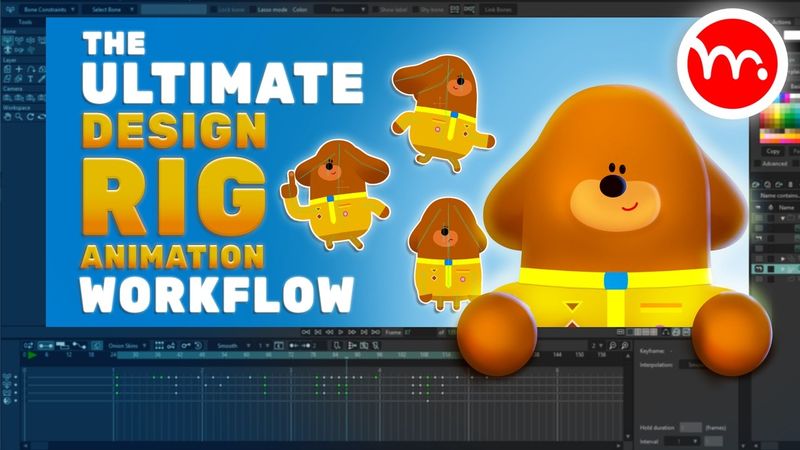
Moho Tutorial: Design, Rig & Animate a Full Character (Step-by-Step Guide)

Download-Informationen und Videodetails Moho Tutorial: Design, Rig & Animate a Full Character (Step-by-Step Guide)
Autor:
McCoy Buck | Moho Animation TutorialsVeröffentlicht am:
13.3.2025Aufrufe:
15.1KBeschreibung:
This tutorial demonstrates how to design, rig, and animate a complete character in Moho from start to finish, based on a decade-long industry workflow. The video starts with an overview of the entire process and explains how to achieve perfect symmetry while keeping the work minimal by using stroke-based limb design instead of separate shapes. In the design section it shows how to blend and refine complex shapes efficiently, and then covers the selection of liquid shapes for faster refinement. The rigging portion gives a detailed walkthrough of the full rigging workflow, including the use of Vitruvian bones, flexi-binding and link bones, and the creation of smart bone dials for body turns, tilts, and facial movement. It also covers troubleshooting common issues such as fixing asymmetric bones, converting bones to Vitruvian bones, and correcting gradient problems. The animation section outlines the complete animation process, from setting up the workspace to freezing initial poses, establishing storytelling key poses, and adjusting timing and spacing for natural movement. It further explains how to add anticipation, secondary motion, ease in/out, overlapping motion, overshoot, follow-through, rear motion offsets, shoulder and limb tweaks, leg grounding, facial expressions, foot weight shifts, ear animation, and the use of the motion graph for spacing. The final part of the video addresses fine‑tuning, the final pass, subtle refinements, smears, and discusses changing animation speed. The tutorial also shows how to change an animation from 1 second to 2 seconds. Chapter Timestamps: 0:00 – Introduction and overview 1:00 – Character design workflow in Moho 1:07 – Symmetrical design and balance 1:13 – Blending shapes for complex designs 1:19 – Stroke vs. shape‑based limb design 8:55 – Using liquid shapes to refine designs efficiently 16:00 – Creating arms and legs using strokes 22:45 – Complete rigging workflow overview 22:52 – Making all points visible while adding bones 22:58 – Setting up a Vitruvian bone for dynamic poses 23:06 – Link bone binding method for flexible animation 23:11 – Testing rigs without using frame zero 23:17 – Adding smart bone dials for body turns, tilts, and facial movement 25:26 – Fixing asymmetric bones for perfect rigging 41:04 – Converting bones into Vitruvian bones 43:14 – Creating smart bone dials for body movement 47:17 – Fixing gradient issues with color points 1:04:15 – Overview of animation process 1:05:04 – Setting up workspace for animation 1:06:09 – Freezing initial poses 1:07:22 – Establishing key storytelling poses 1:10:05 – Adjusting timing and spacing for natural movement 1:12:11 – Adding anticipation and secondary motion 1:16:07 – Refining ease in/out for smoother transitions 1:19:47 – Overlapping motion adjustments 1:20:21 – Adding overshoot and follow-through 1:23:32 – Offsetting body movements for realism 1:25:01 – Tweaking shoulder and limb animations 1:28:29 – Adjusting leg movement for better grounding 1:32:21 – Fine‑tuning facial expressions and eye blinks 1:36:27 – Adding foot movement for weight shifts 1:40:08 – Refining root bone motion for proper weight distribution 1:44:02 – Overlapping ear animation for realism 1:48:01 – Using the motion graph to adjust spacing 1:54:25 – Final pass and subtle animation refinements 2:00:00 – Adding smears with frame by frame 2:04:03 – Changing animation from 1s to 2s
Ähnliche Videos: Moho Tutorial

Best Binding Method for Moho Rigs? The Answer Might Surprise You! | Moho Animation Tutorial

Mastering Character Rigging in After Effects with Duik Bassel: Step-by-Step Tutorial!

آموزش ایلوستریتور: تصویرسازی و طراحی با Paint Brush Tool (درس ۲۷ - صفر تا صد ایلوستریتور)
How to Create a Stunning Newspaper Transition in After Effects | Full Tutorial + Free Project File!
Create AMAZING 3D Elements For Reels In Just 5 Minutes