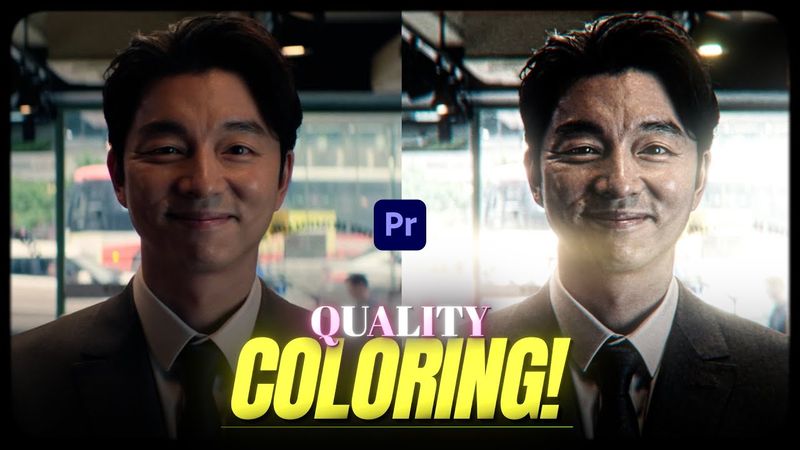
Viral "Quality" Coloring | Premiere Pro Edit Tutorial

Viral "Quality" Coloring | Premiere Pro Edit Tutorial07:18

Download-Informationen und Videodetails Viral "Quality" Coloring | Premiere Pro Edit Tutorial
Veröffentlicht am:

22.8.2025

Aufrufe:

974

Beschreibung:

This tutorial shows how to create viral coloring (also known as "4K CC") TikTok style effects for edits and AMVs in Premiere Pro. To achieve high‑quality, sharp glowing coloring, you’ll need the Sapphire and Red Giant Magic Bullet Suite plugins. The video walks through an overview, sharpening, unsharp mask, Magic Bullet Looks adjustments (contrast, spot exposure, haze flare, colorista, exposure, optical diffusion, chromatic aberration), glow, brightness & contrast, important notes, saving presets, and a preview of Enger's Premium Preset Pack. Timestamps: 0:00 Overview, 0:16 S_Sharpen, 0:51 Unsharp Mask, 1:10 Magic Bullet Looks (Contrast, Spot Exposure, Haze Flare, Colorista), 3:09 Magic Bullet Looks (Exposure, Optical Diffusion, Chromatic Aberration, Colorista), 4:27 S_Glow, 5:27 Brightness & Contrast, 5:40 Important notes, 6:09 Save as preset, 6:45 Enger's Premium Preset Pack (50 Presets).