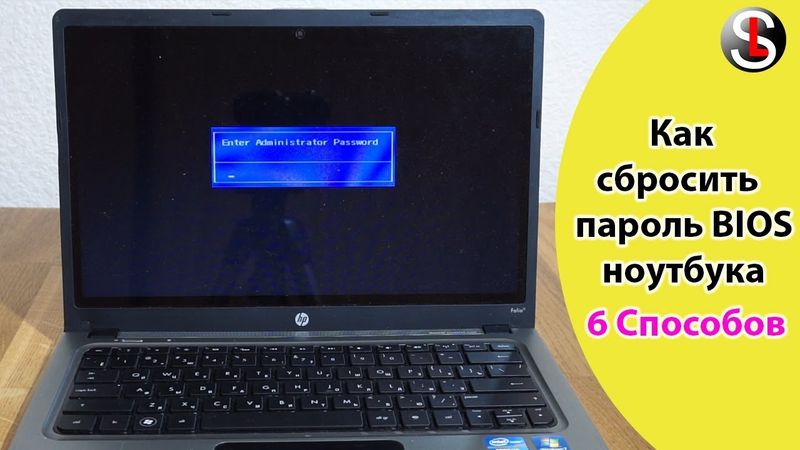
So setzen Sie das BIOS-Kennwort auf einem Laptop zurück. 6 Möglichkeiten

Download-Informationen und Videodetails So setzen Sie das BIOS-Kennwort auf einem Laptop zurück. 6 Möglichkeiten
Autor:
ServLessonVeröffentlicht am:
30.8.2019Aufrufe:
226.7KBeschreibung:
0:34 The video begins by explaining the first method: when the laptop prompts for a BIOS password at startup, the system displays a "System disabled" message with a series of numbers after repeated wrong entries. The presenter suggests using another working PC to generate a master password that can unlock the lock. 1:51 Next, the video shows a power‑cycle technique: fully shut down the laptop, disconnect power, remove the battery, and hold the power button for 10–20 seconds. 2:14 The presenter then demonstrates removing the battery from the motherboard for a few seconds and reinstalling it, noting that some models require disassembly to access the battery. 2:39 He mentions that resetting the BIOS can be a solution, but it requires knowing the password. 3:47 If the BIOS settings are the only restricted area, the video recommends using the CmosPwd program to reset the password. 7:46 Finally, the presenter discusses the risky option of flashing the BIOS firmware: downloading the flasher from the manufacturer’s website, running it, and the potential side effects such as network or Wi‑Fi issues. In his case, the firmware update did not reset the password.
Ähnliche Videos: So setzen Sie das BIOS

Windows 10 verbindet sich nicht mit dem WIFI - was kann ich tun?

![جوین کردن کامپیوتر به دامین [ اولین قدم بعد از نصب دامین]](https://videodownloadbot.com/images/video/757/xu3fzc9jpzhzr1jiuanmp6np06eajkb9_medium.jpeg)
جوین کردن کامپیوتر به دامین [ اولین قدم بعد از نصب دامین]

Установка ВПН на ПК за 10 минут

🌈 K P A C U B O

Какой интерфейс подключения монитора лучше и в чем разница? VGA, DVI, HDMI, DisplayPort, Type-C