Speed Up Your Digital Painting Process (Flatting)

Download-Informationen und Videodetails Speed Up Your Digital Painting Process (Flatting)
Autor:
ProkoVeröffentlicht am:
24.4.2025Aufrufe:
109.1KBeschreibung:
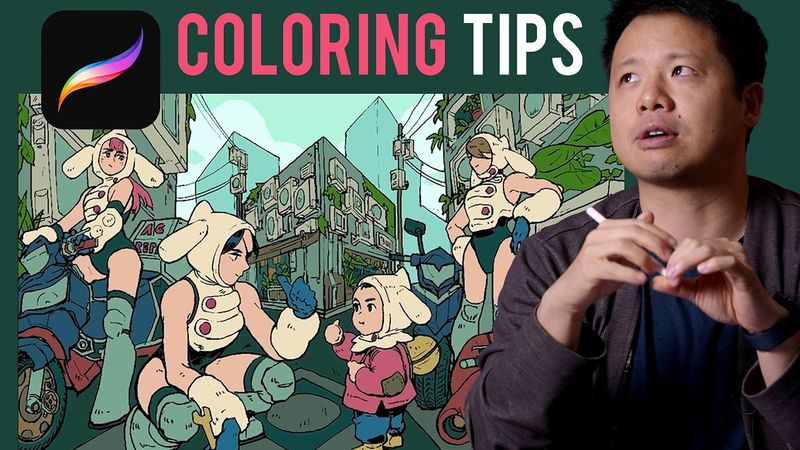
Bryce Kho covers flatting techniques in digital art. You'll learn how to apply base colors effectively, organize your layers from light to dark and warm to cool, and choose colors using value and RGB sliders. You’ll explore different methods for applying flats, including manual painting, the lasso tool, and using reference layers. There’s also info on learning how to limit your palette by reusing colors, adjusting hues with alpha lock and hue/saturation sliders, and setting a strong foundation for adding lighting and shading to your artwork. 00:59 - Method 1 01:13 - Method 2 01:52 - Method 3 03:37 - Method 4 06:04 - Light/Warm Colors 23:06 - Dark/Cool Colors 25:14 - Background 26:25 - Adjustments 28:11 - Outro
Ähnliche Videos: Speed Up Your Digital Painting Process

How to Draw Houses/Village Landscape with Markers

Ultra Modern Logo Reveal | After Effects Tutorial

You Can Draw This LOFI ROOM in PROCREATE
Compositing in After Effects - Advanced Explosions Tutorial!
Canon C-Log Color Grading – Fast, Simple LUT Workflow