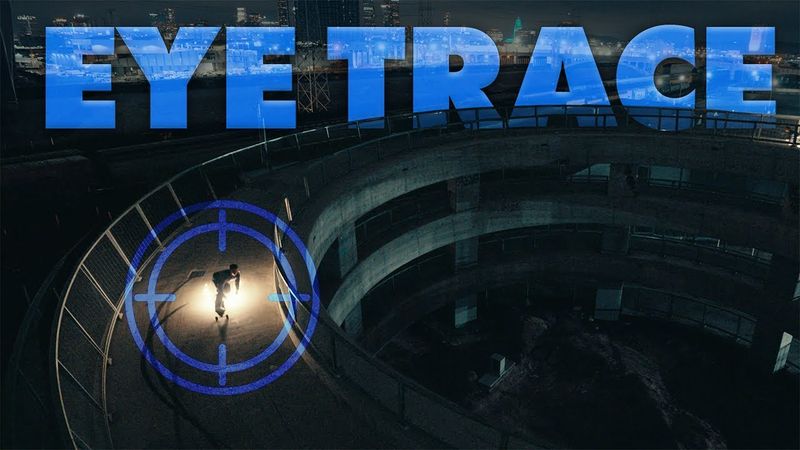
The Video Editing Technique You NEED for Smoother Edits

Download-Informationen und Videodetails The Video Editing Technique You NEED for Smoother Edits
Autor:
Sean DykinkVeröffentlicht am:
20.11.2025Aufrufe:
92Beschreibung:
🎁 Get The Creative Editor's Confidence Checklist: 🎓 Level up with my classes on Skillshare! Here's a free month of Skillshare: Not a fan of subscriptions? ---------------------------------------------------------- About this Video: Smooth edits can come from many different video editing techniques, and in this video we’re covering one that does this, but also helps you communicate story more effectively. I break down a powerful filmmaking tool called eye trace and show you how to use it to create smoother, more intentional, and more professional-looking edits. 👉 What you’ll learn: ✅ What the viewer’s eye is naturally drawn to ✅ How to guide the audience’s focus from shot to shot ✅ How to bridge cuts using eye trace for smoother transitions ✅ How to avoid jarring edits caused by mismatched movement or shot angles ✅ How to use eye trace in montages, action shots, and story-driven sequences Whether you’re editing short-form content, YouTube videos, or cinematic work, mastering eye trace will instantly improve the flow of your edits and help your audience stay immersed in the story. If you found this helpful, feel free to drop a comment or share what technique you want to learn next! Follow Me Online: Instagram: /seandykink 📸 Tag me if you create something using this tutorial! ---------------------------------------------------------- ⏱️Timestamps: 0:00 – Intro (Eye Trace in Action) 0:40 – Eye Trace Example 1 1:36 – Eye Trace Example 2 2:29 – What Attracts The Eye? 3:56 – How to Apply Eye Trace to Your Edits 4:20 – Eye Trace and Montage Editing 5:38 – The Nuance of Eye Trace 5:52 – What Else Contributes to a Smooth Edit? 7:08 – Eye Trace And Story 9:06 – Why Prioritizes Eye Trace in the Context of this video "Irks me" ---------------------------------------------------------- 🔗 Try Artlist & Get Two Months FREE! 🔗 Get 2 Months FREE of creative assets with Motion Array! ---------------------------------------------------------- If this tutorial helped you, hit LIKE, SUBSCRIBE, and CLICK THE BELL for more free Video Editing tutorials. Share your projects and tag me on Instagram: /seandykink #VideoEditing #PremierePro #EditingTips #StoryDrivenEditing #eyetracking
Ähnliche Videos: The Video Editing Technique You NEED for Smoother Edits
Viral Caption Animation Tutorial in Premiere Pro | Instagram Reels 2026

How to Create a Stunning Newspaper Transition in After Effects | Full Tutorial + Free Project File!
ASMR Mic Scratching and Brushing (MAXIMUM & Intense Tingles) (NO TALKING)
Viral Horizontal Reel Editing 2026 | Premiere Pro Tutorial

The Overlay Trick Pro Editors Use to Hide Cuts