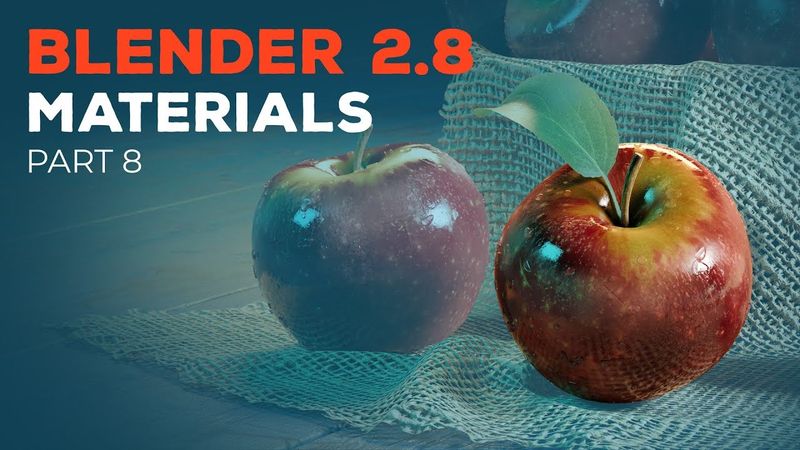
Blender 2.8 Beginner Tutorial - Part 8: Materials

Información de descarga y detalles del video Blender 2.8 Beginner Tutorial - Part 8: Materials
Autor:
CG BoostPublicado el:
16/9/2019Vistas:
181.2KDescripción:
In part 8 of the Blender 2.8 beginner tutorial series, we will get into materials, how to use the Principled shader, the Shader Editor and how to set up the materials for the apple and the knife. ⇨ Blender 2.8 Hotkey PDF and Project Files (email required): ⇨ Blender 2.8 Launch Pad course: PLAYLIST CHAPTERS 00:00 - Introduction 00:53 - LookDev Viewport Shading 02:15 - Add materials 03:44 - Principled Shader 06:28 - Add textures 07:38 - Shader Editor basics 11:52 - Working with nodes 12:47 - Add nodes 15:23 - Apple roughness map 19:43 - Apple bump map 21:47 - Knife handle material (copy materials) 24:52 - Knife blade material (metallic material) 26:05 - Outro RESOURCES ⇨ Download Blender: ⇨ Download the latest build of Blender: ⇨ Texture Haven (free textures): JOIN CG BOOST ⇨ CG Boost Challenge: ⇨ CG Boost Academy: ⇨ CG Boost Magazine: FOLLOW ⇨ Facebook: ⇨ Twitter: ⇨ Artstation: ⇨ Instagram: MY SYSTEM ⇨ Windows 10 PC ⇨ 32 GB RAM ⇨ Intel Core i7-7700K CPU ⇨ NVIDIA GeForce GTX 1080 Ti graphics card #b3d #materials #tutorial
Videos similares: Blender

Blender 2.8 Beginner Tutorial - Part 10: Transparent Textures
Blender 2.8 Beginner Tutorial - Part 3: Organic Modeling
Blender 2.8 Beginner Tutorial - Part 4: Hard-Surface Modeling

Blender 2.8 Beginner Tutorial - Part 9: Procedural Materials
Blender 2.8 Beginner Tutorial - Part 7: Texture Painting