How To 3D Model This Complex Shape (Plasticity Tutorial)

Información de descarga y detalles del video How To 3D Model This Complex Shape (Plasticity Tutorial)
Autor:
Nikita KapustinPublicado el:
14/1/2026Vistas:
2.1KDescripción:
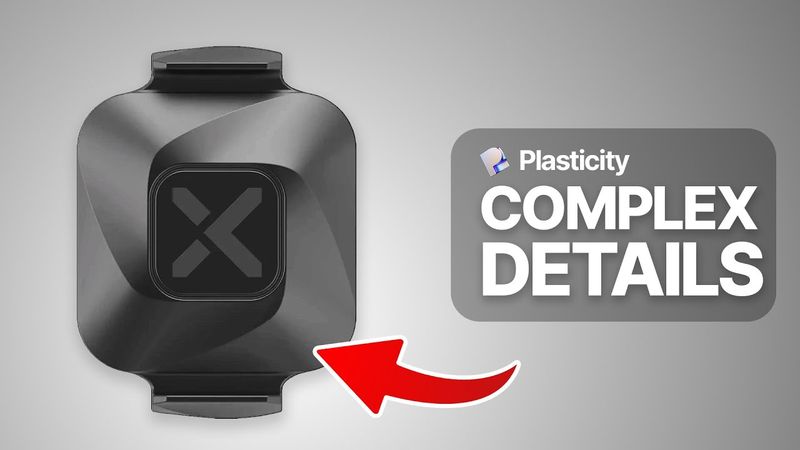
In this tutorial, I’ll show you how to model a complex, symmetrical curved surface in Plasticity 3D, using precise workflows for clean and smooth surface topology. We’ll start from scratch by importing a reference image, building foundational geometry, and using tools like lofting, patching, and radial arrays to construct an elegant shape. This is Part 1 of a two‑part series — in Part 2 (coming tomorrow), I’ll show you how to manually add clean fillets and Y‑blends to this shape for a flawless finish. Perfect for intermediate Plasticity users looking to level up their surface modeling skills! 00:00 – Intro & What You’ll Learn in Part 1 02:05 – Setting Up the Reference & Base Geometry 05:46 – Creating Filleted Rectangles & First Lofted Surface 09:32 – Building Support Curves & Filling the Surface 13:42 – Lofting, Patching & Finalizing the Base Form 16:57 – Preparing for Fillets (Part 2 Overview)
Videos similares: How To

How To 3D Model Tricky Fillets (Plasticity Tutorial)

How To 3D Model This Amazing Product (Plasticity Beginner Tutorial)

How To 3D Model This Amazing Detail (Plasticity Beginner Tutorial)
How To 3D Model This Amazing Device (Plasticity Beginner Tutorial)
YOLO-3D: 3D Object Detection with YOLO11 and Depth Anything - My new open source project