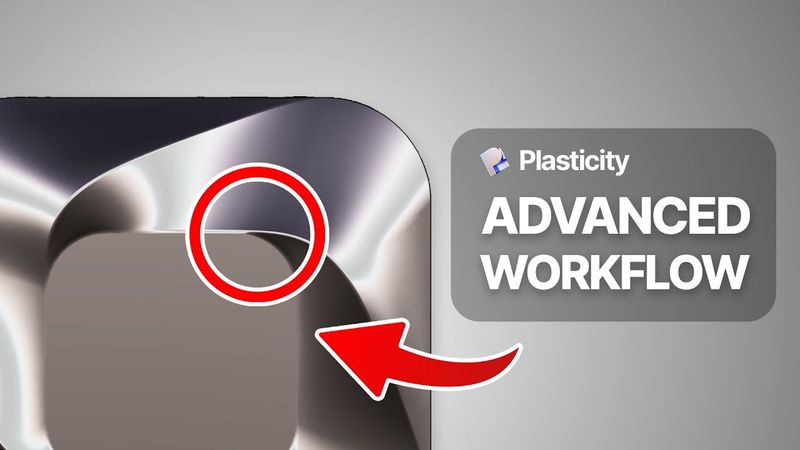
How To 3D Model Tricky Fillets (Plasticity Tutorial)

Información de descarga y detalles del video How To 3D Model Tricky Fillets (Plasticity Tutorial)
Autor:
Nikita KapustinPublicado el:
15/1/2026Vistas:
1.8KDescripción:
In this tutorial, I’ll show you how to manually create beautiful fillets on a complex symmetrical surface using Plasticity 3D. We’ll pick up where we left off in Part 1 and dive deep into advanced manual fillet workflows. You’ll learn how to rebuild curves, use pipes for cutting geometry, create smooth Y-blends, and patch everything seamlessly for clean topology and stunning reflections. This is an advanced tutorial — ideal for those looking to master surface modeling in Plasticity and push their design work further. At the end, I’ll also show you how to export the model into Blender or Cinema4D or Blender 00:00 – Intro & What You’ll Learn in This Tutorial 02:17 – Why Automatic Fillets Fail on Complex Surfaces 04:09 – Rebuilding Curves & Cutting Geometry with Pipes 10:04 – Patching Manual Fillet Areas (Y-Blends & Lofting) 19:42 – Cleaning Up Topology & Completing the Form 23:01 – Exporting to Blender or Cinema 4D for Rendering
Videos similares: How To

How To 3D Model This Complex Shape (Plasticity Tutorial)

How To 3D Model This Amazing Product (Plasticity Beginner Tutorial)

How To 3D Model This Amazing Detail (Plasticity Beginner Tutorial)
How To 3D Model This Amazing Device (Plasticity Beginner Tutorial)
how to design 3D Lipstick tutorial _ Adobe illustrator 3D