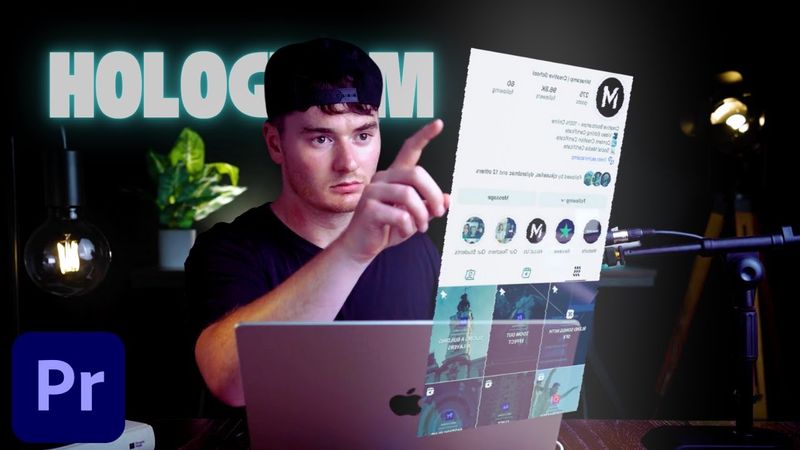
How to Create a Hologram Effect in Premiere Pro (Phone Scroll Tutorial)

How to Create a Hologram Effect in Premiere Pro (Phone Scroll Tutorial)03:15

Información de descarga y detalles del video How to Create a Hologram Effect in Premiere Pro (Phone Scroll Tutorial)
Autor:

Miracamp

Publicado el:

25/6/2025

Vistas:

872

Descripción:

If you’ve ever wanted to create a sci‑fi inspired hologram effect in your video edits, you’re in the right place. In this Premiere Pro tutorial, we’ll walk you through how to make a hologram effect using a phone screen, perfect for tech‑style content, cinematic transitions, or futuristic edits. This effect makes it look like a 3D hologram is floating above your hand, complete with RGB glow, digital waves, and transparency overlays. No plugins needed—just native Premiere Pro effects and a bit of editing magic. Ideal for creators, content editors, filmmakers, and anyone who wants to level up their storytelling with visual FX. We’ll guide you step‑by‑step, from filming and syncing your clips to adding RGB split, Alpha Glow, Wave Warp, and Basic 3D to simulate realism. This is a beginner‑friendly yet impressive effect that can make your content go viral on TikTok, YouTube Shorts, or Instagram Reels. 00:00 – Intro 00:30 – First Changes on Premiere Pro 01:13 – Adjust Colors & Effects 01:57 – Adjust Angle / 3D 02:15 – Starting Animation Effect 02:50 – SFX & Sound Design 03:05 – Outro