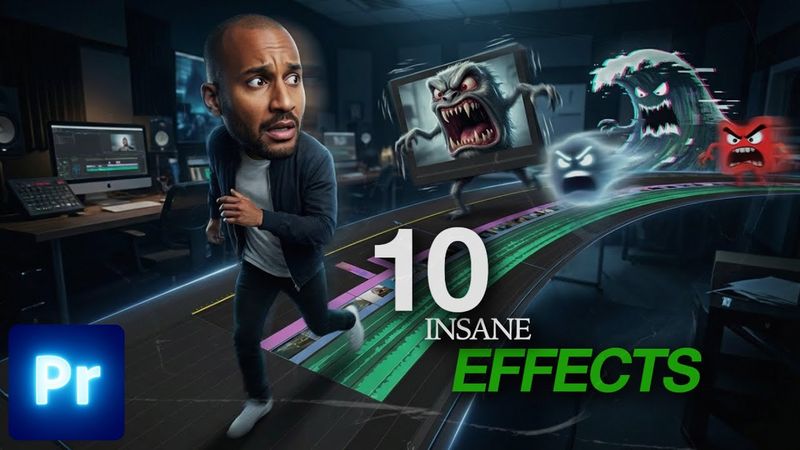
These 10 Premiere Pro Effects Will Level Up Your Edits

Información de descarga y detalles del video These 10 Premiere Pro Effects Will Level Up Your Edits
Autor:
Anthony MediazPublicado el:
21/12/2025Vistas:
69Descripción:
Learn how to create ten beginner-friendly Premiere Pro effects—Split Screen, Flicker, Film Burn, Fisheye, Glow, Rapid Shutter, Speed Ramp, Text Inside Video, Flash Transition, and VHS Transition—and apply them to footage for a polished edit. The tutorial walks through setting up each effect, animating transitions, and stylizing clips, offering quick editing tricks to help viewers level up their skills. Timecodes: 00:00 - Intro, 00:05 - 1. Split Screen, 01:45 - 2. Flicker Effect, 02:25 - 3. Film Burns, 03:40 - 4. FishEye Look, 05:38 - 5. Glow Effect, 06:22 - 6. Rapid Shutter Effect, 08:11 - 7. Speed Ramps, 11:38 - 8. Text Inside a Video, 12:34 - 9. Flash Effect, 13:28 - 10. VHS Effect.
Videos similares: These

Premiere Pro Reels Editing Breakdown 🔥 Learn Viral Animation + Captions + Effects in 1 Hour!
Viral Horizontal Reel Editing 2026 | Premiere Pro Tutorial

How to edit Viral Reels in Premiere Pro | Live Reel Editing
12 Amazing Premiere Pro Text Effects | Ultimate Tutorial for Beginners!
Premiere Pro 2025 Just Got Way Cooler!