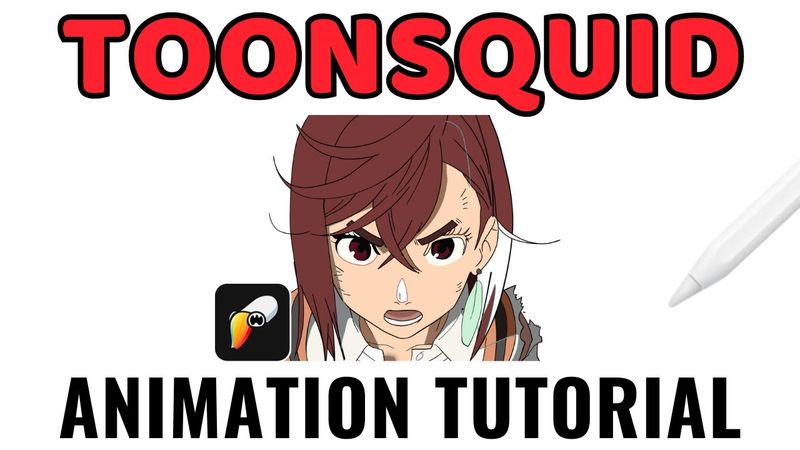
A Toonsquid 2D Animation Tutorial

Información de descarga y detalles del video A Toonsquid 2D Animation Tutorial
Autor:
Savonne DrawsPublicado el:
18/11/2024Vistas:
17.9KDescripción:
Learn how to master animation on the iPad with this Toonsquid tutorial, designed for beginners and experienced animators alike. The video begins at 0:00 with an introduction, then at 0:23 it shows how to create a new project. At 0:45 the tutorial covers navigation and gestures, followed by a detailed look at the tools at 1:56, including the brush tool at 2:06, vector brushes at 2:55, and drawing off the canvas at 3:10. Keyboard shortcuts are explained at 3:30, while brush settings such as fill and blending are demonstrated at 4:00 and 4:30. The eyedropper and gesture features appear at 5:02, and the text tool is introduced at 5:25. Shapes, paths, transform, lasso, warp, and deform tools are covered from 6:00 to 7:40. Layer management, including selecting multiple layers, drawing layers, and masks, is shown at 8:30 to 8:55. Animation concepts are introduced at 9:20, with onion skinning at 9:25, timeline controls and onion skin options at 9:40 to 11:57, and keyframing at 13:17. Symbols, lip syncing, importing, audio editing, and markers are discussed from 13:56 to 18:30. The tutorial concludes at 18:30, noting that camera layers can be handled with scale keyframes and that all imports go to the library.
Videos similares: A Toonsquid

I'll Teach You After Effects in 60 Minutes...
30 advanced Ableton Move ideas, tips & tricks // Pros, cons, Move Review & Tutorial
Rhino Course: Beginner to Advanced in 2.5hrs
Blender Beginner Tutorial - Part 2: Sword

Premiere Pro Reels Editing Breakdown 🔥 Learn Viral Animation + Captions + Effects in 1 Hour!