Импорт объектов в Unreal Engine 5 из Blender, 3DsMax: быстрый replace, настройка материалов и физики
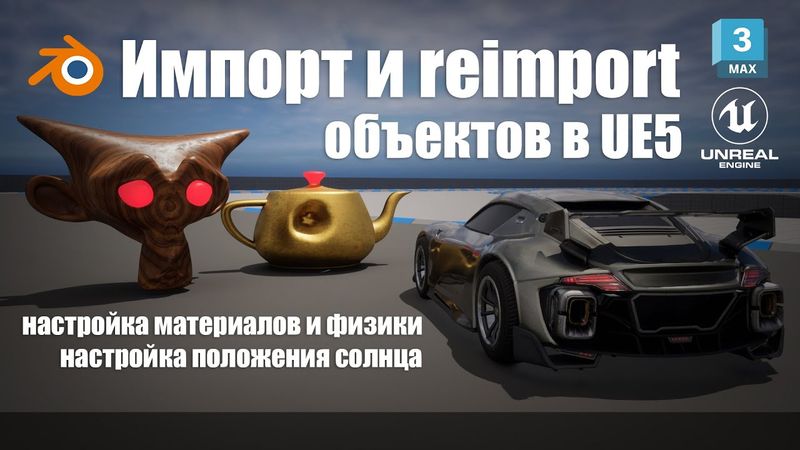
Импорт объектов в Unreal Engine 5 из Blender, 3DsMax: быстрый replace, настройка материалов и физики16:04

اطلاعات دانلود و جزئیات ویدیوی Импорт объектов в Unreal Engine 5 из Blender, 3DsMax: быстрый replace, настройка материалов и физики

آپلود کننده:

Artem Maiko

تاریخ انتشار:

۱۴۰۱/۲/۲۳

بازدیدها:

26.2K

توضیحات:

The video starts with an introduction at 00:00. At 00:27 the creator sets up a template featuring a car. At 00:38 a 3‑D monkey model is created in Blender and materials are applied. At 02:23 a kettle is modeled in 3Ds Max with materials assigned. At 03:44 the workflow for setting up windows in UE5 is demonstrated. At 04:15 the viewer learns how to navigate the scene and start the car. At 04:47, graphic settings are tuned and FPS are observed. At 06:00 the process of importing models into UE5 is shown. At 06:29 a kettle is inserted into the UE5 scene, where the author discusses grid and corner snap, camera speed, and project saving. At 07:13, a material from the starter content is applied to the kettle and a second material for the kettle’s lid handle is created, colored, and made emissive. At 08:37 the sun’s position is altered. At 09:15 the "two‑sided" option for the kettle material is enabled. At 10:06 the previously created monkey is added to the scene and its materials are set. At 11:23 the monkey is sculpted in Blender, UVs are adjusted, and the re‑import feature in UE5 is demonstrated. At 12:27 the re‑import workflow is highlighted. At 12:52 the kettle’s deformation in 3Ds Max is re‑imported. At 13:42 physics simulation is enabled for objects, weights are assigned, and the result is tested in-game. Finally, at 15:46 the video concludes.