Create a Retro Long Shadow Text Effect in Adobe Illustrator
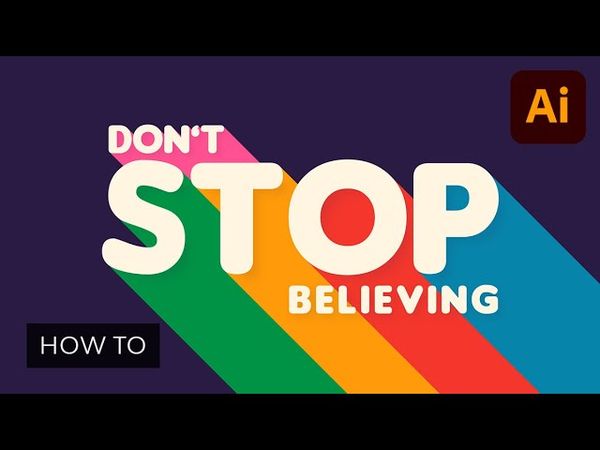
Informations de téléchargement et détails de la vidéo Create a Retro Long Shadow Text Effect in Adobe Illustrator
Auteur :
Envato Tuts+Publié le :
09/07/2021Vues :
52KDescription :
Learn how to create a retro long shadow text effect in Adobe Illustrator, step by step. For starters, you will learn how to create some text, taking full advantage of the Appearance panel and using a neat Transform effect to add the long shadow effect without expanding your text. Some basic blending techniques and a simple Gaussian Blur effect will be the final touches for your text effect. 00:00 - Introduction 00:41 - Set up the document 01:27 - Add some text 02:57 - Apply a long shadow effect 05:06 - Further stylize the long shadow effect 06:03 - Add a background and some new text 09:42 - Outro
Vidéos similaires : Create a Retro Long Shadow Text Effect in Adobe Illustrator
How to Create a Lightning Effect in Illustrator

Create a "Stream Starting Soon" Video With Particle Effect Animation in After Effects
How to Create Animated Slideshow Transitions in After Effects | FREE COURSE
How to Create Your Own Light Ray Brushes From Scratch in Adobe Photoshop

How to Make a Monogram in Illustrator