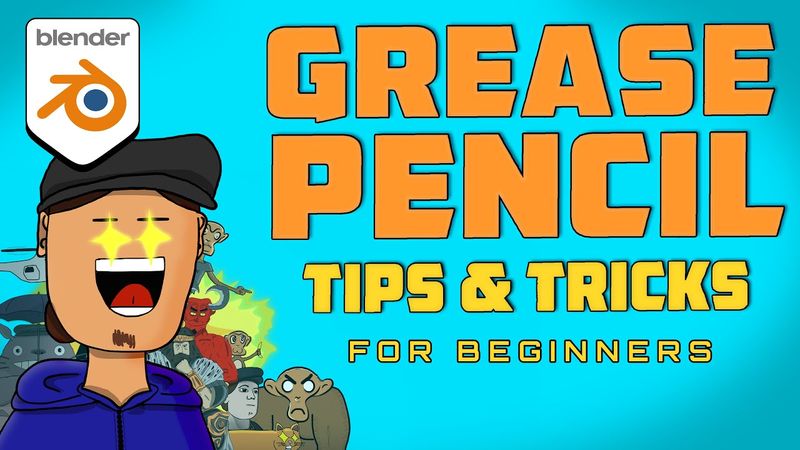
Grease Pencil Tips and Tricks to Master 2D Workflow | Blender Tutorial for beginners | Full Course!
Informations de téléchargement et détails de la vidéo Grease Pencil Tips and Tricks to Master 2D Workflow | Blender Tutorial for beginners | Full Course!

Auteur :
DanttiPublié le :
26/11/2020Vues :
170.4KDescription :
An introductory guide to Blender's Grease Pencil, this beginner-friendly tutorial covers the essential tools and workflows for 2D animation, digital art, storyboards, and motion graphics within a 3D environment. Starting at 00:00 with an overview, the video walks through object interaction modes (01:07), pie menus for object and shading modes (02:49, 03:26), and the 2D animation preset (03:51). It then dives into draw mode, covering shortcuts (06:56), timeline shortcuts (09:22), materials and vertex colors (10:49), brush settings (16:19), stroke settings (17:31), and advanced features like guides (20:29) and the curve tool (21:13). The edit mode section (25:41) demonstrates curve editing, gradients, material assignment, extrude points, and reproject strokes. Sculpt mode (36:25) showcases all available tools and tips. Object mode (39:32) includes shortcuts, alignment, snapping, and keyframe editing. Modifiers (53:45) are explored in depth, from array and build to noise, thickness, and time offset modifiers. Effects (1:09:45) and constraints (1:12:44) are also covered, followed by miscellaneous topics such as camera background, converting images and 3D animation to Grease Pencil, drivers, sound, render settings, compositing, and add-ons. The tutorial concludes with final tips and a wrap-up at 1:33:52.
Vidéos similaires : Grease Pencil Tips and Tricks to Master

Rolls Masterclass | 4 Profitable Roll Recipes With Margins | Home Cloud Kitchen Menu Ideas

Improve your CHARACTER DESIGN - Drawing Exercises!

How to Use ChatGPT Agent Mode (Step-by-Step Tutorial)

How to Turn ANY Logo into 3D in DaVinci Resolve – Easy Tutorial! (Step-by-Step)

Landscape Painting for BEGINNERS in Procreate - Easy Tutorial