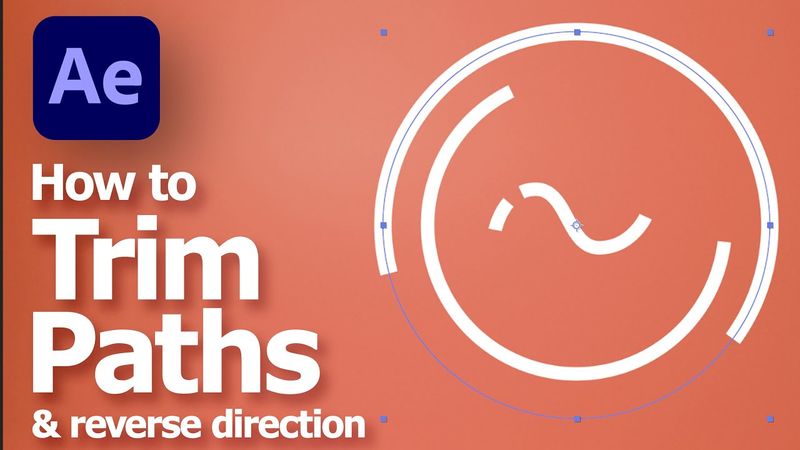
After Effects Trim Paths and Reverse Direction, for motion graphics

Informasi unduhan dan detail video After Effects Trim Paths and Reverse Direction, for motion graphics
Pengunggah:
GraphicianDiterbitkan pada:
28/3/2024Penayangan:
7.9KDeskripsi:
After Effects Trim Paths can give impressive motion graphic effects to animation. In this video, we will go through how to use trim path for a shape layer. We can change the starting point of trim path, and we can change direction of trim path in After Effects. If we have the combination on trim paths applied on graphics. We can get the stunning motion graphics. The steps to use Trim Paths in After Effects are easy to follow in this tutorial video. I hope this helps. 0:00 Intro - After Effects Trim Paths 0:09 Create Composition 0:16 Add Path or Add Shape with Path 0:45 Add Trim Paths 0:54 Adjust Start , End, Offset for starting point of Trim Paths 1:06 Set Animation for Trim Paths 1:25 Reverse or Change Direction Trim Paths
Video serupa: After Effects Trim Paths and Reverse Direction

Trim Paths After Effects | How To Create Animated Infographics - 10

ANIMASI GARIS PETA di After Effects | Peta Perjalanan Animasi

5 CREATIVE Title Animations in After Effects
Learn VFX Workflows - After Effects and 3D Tutorial!

Create Viral 3D Instagram Carousels in After effect inspired by @vanemotion