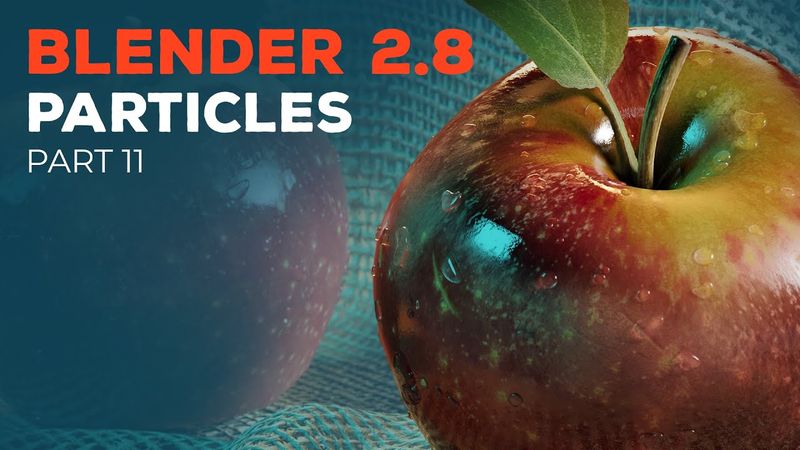
Blender 2.8 Beginner Tutorial - Part 11: Particles

Informasi unduhan dan detail video Blender 2.8 Beginner Tutorial - Part 11: Particles
Pengunggah:
CG BoostDiterbitkan pada:
24/9/2019Penayangan:
83.8KDeskripsi:
In part 11 of the Blender 2.8 beginner tutorial series, we will learn how to place water drops on the apples using the particle system. ⇨ Blender 2.8 Hotkey PDF and Project Files (email required): ⇨ Blender 2.8 Launch Pad course: Important note: If the water drops are not showing the apple underneath it, please disable "Screen Space Refraction" in the material settings of the apple material. PLAYLIST CHAPTERS 00:00 - Introduction 00:30 - Model water drop objects 02:48 - Water drop material 03:53 - Particle collections 04:48 - Water drop particle system 07:05 - Change particle position 07:41 - Randomize particles 08:08 - Exclude stem from particle system 09:09 - Copy particles to cut apple 11:02 - Outro RESOURCES ⇨ Download Blender: ⇨ Download the latest build of Blender: ⇨ Car animation by Vlad Kim: JOIN CG BOOST ⇨ CG Boost Challenge: ⇨ CG Boost Academy: ⇨ CG Boost Magazine: FOLLOW ⇨ Facebook: ⇨ Twitter: ⇨ Artstation: ⇨ Instagram: MY SYSTEM ⇨ Windows 10 PC ⇨ 32 GB RAM ⇨ Intel Core i7-7700K CPU ⇨ NVIDIA GeForce GTX 1080 Ti graphics card #b3d #particles #tutorial
Video serupa: Blender

Blender 2.8 Beginner Tutorial - Part 8: Materials
Blender 2.8 Beginner Tutorial - Part 3: Organic Modeling
Blender 2.8 Beginner Tutorial - Part 4: Hard-Surface Modeling
Blender 2.8 Beginner Tutorial - Part 9: Procedural Materials
Blender 2.8 Beginner Tutorial - Part 10: Transparent Textures