Cara Mengikat Efek ke Bentuk | Moho 14.3

Cara Mengikat Efek ke Bentuk | Moho 14.321:54

Informasi unduhan dan detail video Cara Mengikat Efek ke Bentuk | Moho 14.3
Pengunggah:

Modelman Animation

Diterbitkan pada:

26/10/2025

Penayangan:

341

Deskripsi:

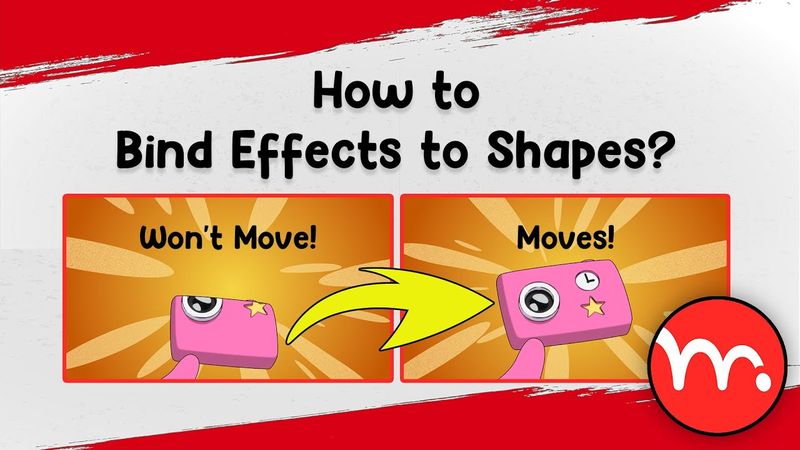
In this video, I introduce a sophisticated Moho script—my own, Hossein Alinaghipoor (alias Modelman)—that dynamically binds effects to shape transformations so that when you move, rotate, or scale a shape using the Transform Points tool, the effect follows with perfect relative motion. The script works with all Moho versions, supports all languages, is 100% free and open, preserves keyframe data, intervals, and interpolation from your Point Motion channel, and allows you to target specific points. If you change the shape at frame 0, the effect follows the changes throughout the animation with the same relative position, rotation, and scale. To exclude a shape, after applying the script, press Q, select the shape, and delete the keyframes from the red "Selected Shape Effect Transform" channel. I also discuss alternative solutions and explain their limitations, so you will see exactly why this script is a game‑changer for Moho animators. Inspired by a great question from Lamar. Thanks to Eugene from @MultRush and Stan for helping me release it on this site. 0:00 - Berikutnya 0:43 - Intro 0:57 - Masalah 1:17 - Cara mengajukan pertanyaan 1:34 - Menjelaskan masalah Detail 2:51 - Solusi 1: Masker 3:43 - Solusi 2: Alat Transform Layer 5:17 - Solusi 3: Grup 5:34 - Solusi 4: Lapisan Tulang dan Binding 7:22 - Solusi 5: Titik Warna 8:36 - Solusi 6: Lapisan Warp 12:52 - Solusi 7: Skrip Efek Bind 17:26 - Mengapa kita harus menggunakan efek tekstur gambar? 19:55 - Fitur Tambahan 21:28 - Lamar's Respose 21:33 - Outro