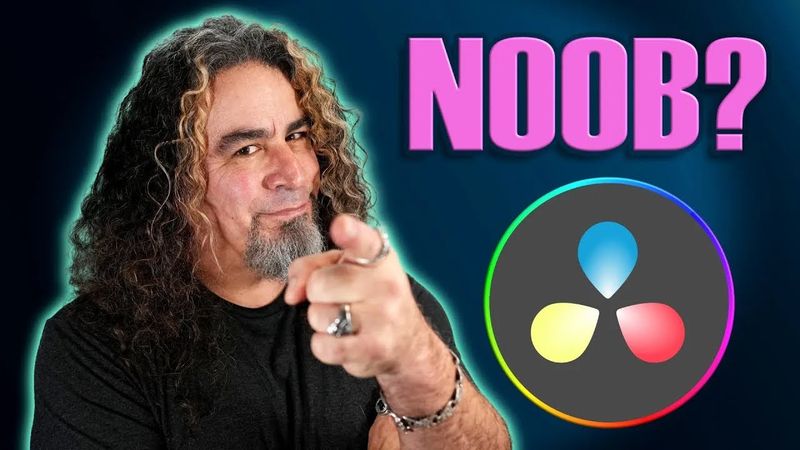
DaVinci Resolve untuk PEMULA SEPENUHNYA!

DaVinci Resolve untuk PEMULA SEPENUHNYA!34:32

Informasi unduhan dan detail video DaVinci Resolve untuk PEMULA SEPENUHNYA!
Pengunggah:

Daniel Batal

Diterbitkan pada:

22/1/2023

Penayangan:

1M

Deskripsi:

0:00 DaVinci Resolve untuk Pemula SEPENUHNYA! The video begins with an introduction to DaVinci Resolve for beginners. 0:23 The presenter explains the differences between the free and paid versions. 1:35 They demonstrate how to create a new project. 2:04 The interface is explored, including the various tabs. 2:44 The editing page is shown in detail. 3:00 Project settings are discussed. 4:36 The layout of the editing page is explained. 5:38 The process of creating bins is covered. 7:00 Media import is shown. 7:45 Adding footage to the timeline is demonstrated. 8:10 Zooming in and out of the timeline is explained. 8:34 Color correction techniques are introduced. 13:05 Cutting, trimming, and deleting clips on the timeline are shown. 13:20 Keyboard shortcuts are highlighted. 14:46 Ripple delete function is explained. 16:14 Adding video transitions is demonstrated. 17:55 Resizing clips is shown. 19:29 Adding text is covered. 21:53 Audio control in Fairlight is explained. 23:30 Adding audio effects is shown. 24:12 Exporting the project is demonstrated. 27:53 Exporting a portion of the timeline is shown. 30:05 Tips for improving performance are given.