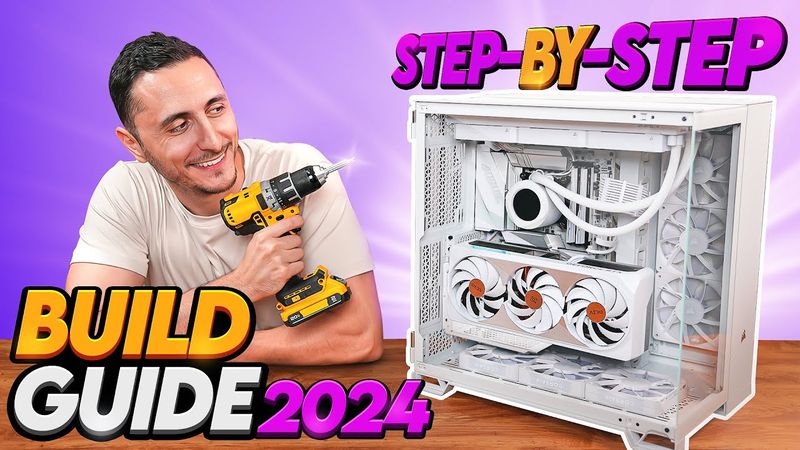
This video provides a comprehensive step‑by‑step guide to building a PC, covering everything from selecting components and installing the CPU, memory, storage, and cooling solutions, to assembling the case, connecting power and peripherals, installing Windows, updating drivers, and troubleshooting common issues. The build process is broken down into clear time‑coded sections: 0:00 Intro, 1:07 What you Need, 4:12 PC Components, 4:58 Start the PC Build, 5:38 Intel CPU Install, 8:18 AMD AM4 CPU, 9:07 AMD AM5 CPU, 10:24 AMD Threadripper CPU, 12:13 Memory Install, 13:39 M.2 SSD Install, 17:00 Thermal Paste Application, 18:03 Stock CPU Cooler Install, 19:48 AMD Prism CPU Cooler Install, 23:01 Aftermarket Air Cooler Install, 27:32 All‑in‑one (AIO) Cooler Install, 31:53 Test PC or Build in Case?, 32:12 Test PC outside of Case, 41:32 Test Boot, 43:19 Prep the Case, 43:52 IO Shield Install, 44:38 Install Standoffs, 46:06 Install Motherboard in Case, 46:47 Hooking up Front Panel Connectors, 50:05 JFP1 Connectors, 52:26 AIO Cooler Orientation, 53:52 Connect the Fans together, 54:31 Deciding Radiator Fan configuration, 56:04 Installing AIO on Top of Case (Horizontal), 57:26 Installing AIO Vertically, 59:47 Secure Pump to CPU, 1:01:17 Plugging in AIO and Controller Cables, 1:04:08 Setting up Modular Power Supply, 1:08:30 Installing the Power Supply, 1:09:18 Hooking up SSD and Hard Drives, 1:12:56 Deciding on Air Pressure, 1:14:24 Deciding on Case Fan Configuration, 1:17:43 Plugging in Fan Cables, 1:19:11 Daisy Chaining Fans Together, 1:21:49 Plugging Power Supply Cables into the Motherboard, 1:23:48 Installing Vertical GPU Bracket, 1:24:34 Installing Graphics Card Vertically, 1:25:13 Install PCIE Cards, 1:25:55 Installing Graphics Card Horizontally, 1:27:34 Download Operating System, 1:28:31 Plug in PC Cables, 1:29:41 Power on your PC, 1:30:12 Set CPU Fan Header to Max Speed, 1:30:58 Install Windows Operating System onto PC, 1:33:47 Download Motherboard Drivers, 1:35:25 Activate Windows, 1:36:26 Activate Additional Storage Devices, 1:37:23 Update Monitor Refresh Rate, 1:37:14 Change Windows Power Plan and Settings, 1:38:11 Download Graphics Card Drivers, 1:38:38 Enable XMP, 1:40:30 Optimize Windows, 1:42:30 Troubleshooting - Black Screen, 1:45:30 Troubleshooting - Update BIOS, 1:46:39 Troubleshooting - USB Operating System Drive not recognized, 1:47:24 Troubleshooting - Storage Devices dont show up in Windows.