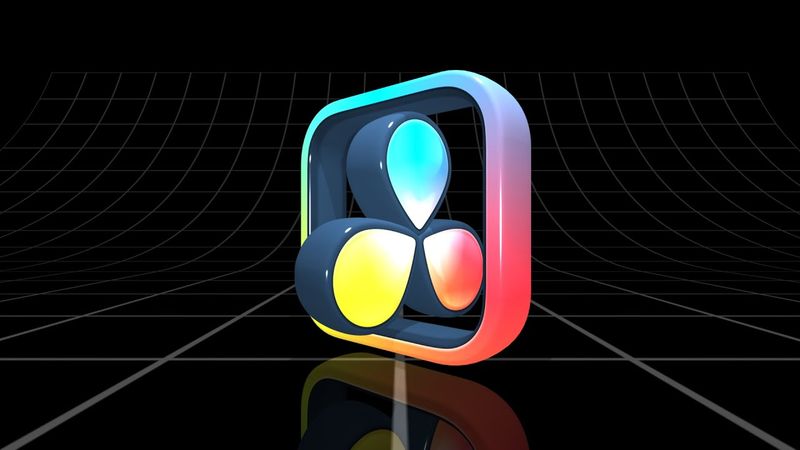
How to Turn ANY Logo into 3D in DaVinci Resolve – Easy Tutorial! (Step-by-Step)

Informazioni sul download e dettagli del video How to Turn ANY Logo into 3D in DaVinci Resolve – Easy Tutorial! (Step-by-Step)
Autore:
VesignerPubblicato il:
25/01/2025Visualizzazioni:
3.7KDescrizione:
🎥 Learn how to turn ANY logo into a stunning 3D animation in DaVinci Resolve! In this step-by-step tutorial, I’ll show you the easiest way to make a professional 3D logo effect using Fusion. For intros, branding, and YouTube channels! No plugins needed! ✨ What You’ll Learn: - How to import and customize SVG files in DaVinci Resolve. - Convert a 2D logo into 3D. - Keyframe animation techniques. - How to Convert SVG to Shapes. - Adding lighting, textures, and effects to enhance your logo. --- Instagram Patreon --- Chapters: 00:00 Preview of the 3D Logo 00:12 Preparation of materials with Photopea 04:10 And we start making 3D Logo in DaVinci Resolve 05:04 Adding Renderer3D, Extrude3D and sPolygon nodes 06:28 Adding Lights 08:25 Custom Extrusion Style 10:43 Preparation frame of the logo 15:45 Preparation inside of the logo 18:38 Adding Duplicate 3D node for reflection 19:15 Animating the logo 19:42 Pivot settings 21:50 Adding Ward node 22:47 Making loop for animation 23:17 Making reverse animation 24:30 Adding ImagePlane3D, Grid floor and background 25:46 Adding Bender node for the floor 27:19 Adding Camera3D node 28:18 Setting background opacity 0.8 to see the reflection 28:56 Final adjustments and Outro #DaVinciResolve #3DLogo #LogoAnimation #FusionTutorial #MotionGraphics #FreeAnimation #DavinciResolveTutorial
Video simili: How to Turn ANY Logo into
Come padroneggiare la videocamera 3D in After Effects | Analisi completa

Grease Pencil Tips and Tricks to Master 2D Workflow | Blender Tutorial for beginners | Full Course!

Step-by-Step Character Animation: Blinking Eyes & Dynamic Glasses Gleam in Procreate Dreams!

#Tutorial | How to Make a Dome Shader in UE5

DaVinci Resolve for COMPLETE NOOBS!