Tutorial: Simulating Handwriting in Blender

Informazioni sul download e dettagli del video Tutorial: Simulating Handwriting in Blender

Autore:
PolyfjordPubblicato il:
30/05/2022Visualizzazioni:
375.8KDescrizione:
Learn how to turn your own handwriting into a physics simulation! In this tutorial we'll use Blender to create a handwritten word and turn it into a physics simulation using the cloth modifier. We'll also place it on a video background with real footage and render it with a glowing effect using Eevee! Stick around for the end to see some additional use cases! 00:00 What we'll be creating 00:33 Simulating a piece of string 02:03 Adding skin modifier and material 05:14 Simulating handwritten text 06:30 Using a hook to control a single vertex 07:28 Tweaking, testing and disabling gravity 08:17 Fixing old cache data, UI and a weird vertex 08:56 Animating the text using the build modifier 09:52 Adding custom thickness to the skin modifier 10:38 Placing a video texture in the scene 13:19 Getting an overview of our timeline 14:17 Aligning the camera 15:13 Rotoscoping using auto keying 17:30 Tweaking simulation and writing timings 18:16 Baking and tweaking the physics simulation 19:22 Exporting as a video 20:04 Final result 20:37 Advanced alternative 21:54 Combining the technique with motion capture 22:45 Simulating and rendering a spider web 23:48 Thanks for watching!
Video simili: Tutorial

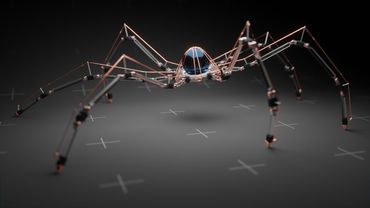
Tutorial: Making a Mechanical Walking Creature in Blender

How to use Eevee - Full Blender Course
Transizione della timeline 3D (tutorial After Effects)

Building LLMs from the Ground Up: A 3-hour Coding Workshop

Rendi le tue animazioni INTERATTIVE con Rive