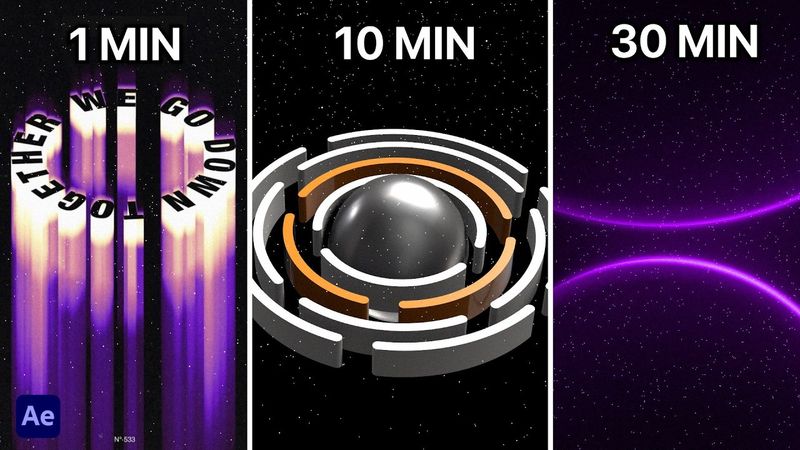
3 Cinematic Backgrounds: 1, 10, 30 Minutes

Информация о загрузке и деталях видео 3 Cinematic Backgrounds: 1, 10, 30 Minutes
Автор:
STARДата публикации:
06.01.2026Просмотров:
36Описание:
Learn how to create three stunning cinematic backgrounds in After Effects with no plugins needed. In this tutorial, you'll learn how to create three cinematic backgrounds in After Effects, each with increasing complexity: a 1‑minute gradient animation featuring keyframes, a turbulent displace effect, and Gaussian blur for depth; a 10‑minute sequence with 3D spheres and bevel effects, stroke animation using trim paths, and glow effects for a cinematic feel; and a 30‑minute advanced segment that includes full 3‑D rotating rings, 3‑D lights with shadows, and metal material properties.
Похожие видео: Cinematic Backgrounds

Создавайте гиперкинематографическую 3D-графику в After Effects
3D Camera Animation in After Effects

Работа с плагином Element 3D в After Effects

Создавайте кинематографическую анимационную графику с помощью градиентов в After Effects.

Как я создал 3D-сцену на тему Хэллоуина с помощью ИИ и обучающих программ After Effects