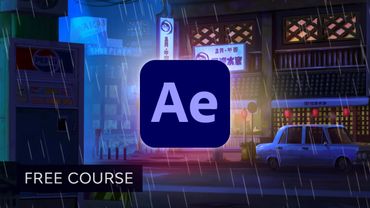
How to Animate in After Effects | FREE COURSE

How to Animate in After Effects | FREE COURSE03:36:02

Информация о загрузке и деталях видео How to Animate in After Effects | FREE COURSE
Автор:

Envato Tuts+

Дата публикации:

17.03.2021

Просмотров:

1.2M

Описание:

In this awesome After Effects animation course, you'll learn how to animate in After Effects with three beautiful projects. In this free course, you’ll start by learning keyframe animation and how to reveal text with masks and shape layers. The projects in this course will teach you how to animate a logo for a burger restaurant, create a stunning futuristic animated logo reveal, and use a write-on text effect to bring a chic text design to life. In these animation tutorials, you'll master a combination of keyframe animation, text reveals, and After Effects, expressions to create complex and subtle movement. By the end, you'll know everything you need to know to prepare art for use in After Effects, animate all the different elements, and produce creative and impressive text animations!\n\n00:00:00 1 .1 Introduction\n00:03:55 2.1 Keyframe Basics\n00:17:58 2.2 Reveal Text With Masks and Layers\n00:30:07 2.3 Basic Text Box Reveal\n00:39:04 2.4 Bounding Box Reveal\n00:50:53 2.5 Text Reveal Rectangles: Part1\n01:03:55 2.6 Text Reveal Rectangles: Part2\n01:12:39 3.1 Burger Logo: Prepare the Artwork\n01:24:34 3.2 Burger Logo: Animate the Layers\n01:35:38 3.3 Burger Logo: Final Touches\n01:47:28 4.1 Outer Space: Animate With CC Lens\n01:57:21 4.2 Outer Space: Animating Strokes & Glow Effects\n02:11:03 4.3 Outer Space: Lens Flares\n02:19:48 4.4 Outer Space: Noise & Grain\n02:32:03 5.1 Boutique Text: Prepare the Artwork\n02:39:02 5.2 Boutique Text: Create the Layout\n02:45:17 5.3 Boutique Text: Inertial Bounce Expression\n02:56:37 5.4 Boutique Text: Wiggle Expression\n03:02:43 5.5 Boutique Text: Layer Control\n03:08:51 5.6 Boutique Text: Handwritten Text\n03:21:58 5.7 Boutique Text: Final Touches\n03:33:37 6.1 Conclusion