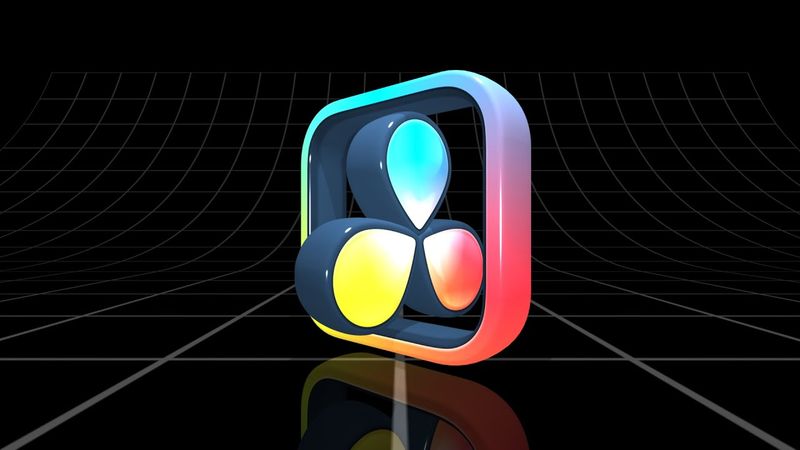
Как создать потрясающую 3D-анимацию логотипа в DaVinci Resolve | Пошаговое руководство

Как создать потрясающую 3D-анимацию логотипа в DaVinci Resolve | Пошаговое руководство29:39

Информация о загрузке и деталях видео Как создать потрясающую 3D-анимацию логотипа в DaVinci Resolve | Пошаговое руководство
Автор:

Vesigner

Дата публикации:

25.01.2025

Просмотров:

3.7K

Описание:

In this tutorial you learn how to create professional 3D logo animations in DaVinci Resolve. The video covers importing and setting up SVG files, converting 2D logos to 3D, keyframe animation, and adding lighting, textures, and effects to enhance your logo. It includes step‑by‑step instructions: previewing the 3D logo at 00:00, preparing materials with Photopea at 00:12, creating the 3D logo at 04:10, adding Renderer3D, Extrude3D, and sPolygon nodes at 05:04, adding light sources at 06:28, customizing extrusion style at 08:25, preparing the logo frame at 10:43, preparing the inner part at 15:45, adding a duplicate 3D node for reflection at 18:38, animating the logo at 19:15, adjusting rotation at 19:42, adding a Ward node at 21:50, creating an animation loop at 22:47, reversing the animation at 23:17, adding ImagePlane3D, a grid floor, and background at 24:30, adding a Bender node for the floor at 25:46, adding a Camera3D at 27:19, setting background opacity at 28:18, and finishing with final settings and outro at 28:56.