Step-by-Step FedEx Logo Animation in ToonSquid for Beginners

Информация о загрузке и деталях видео Step-by-Step FedEx Logo Animation in ToonSquid for Beginners
Автор:
Shake my artДата публикации:
04.08.2025Просмотров:
583Описание:
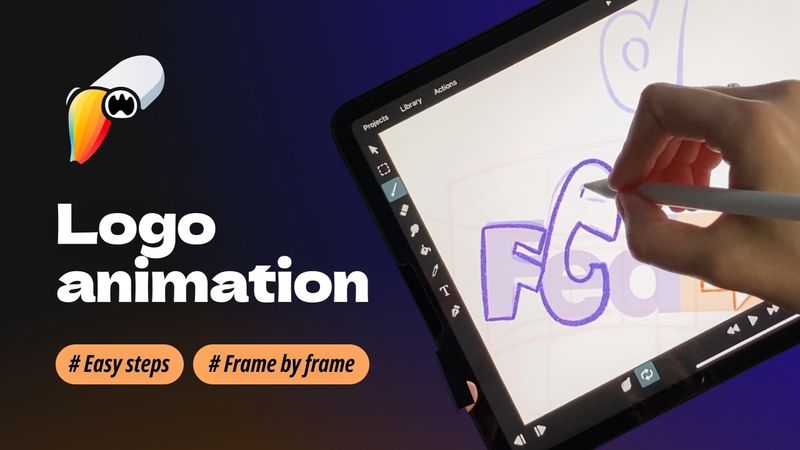
Dive into the world of frame‑by‑frame animation as we bring the iconic FedEx logo to life using ToonSquid on the iPad. This tutorial is perfect for beginners and seasoned artists alike, showcasing the power of traditional animation techniques in a modern digital environment. You'll learn how to set up your canvas, import reference images, sketch and refine each frame for smooth motion, utilize ToonSquid's tools for an efficient workflow, and apply timing and easing techniques to achieve natural animations. Timestamps: 0:00 – Introduction 0:27 – Create project 0:36 – Import photo 1:13 – Draw the guides 2:59 – Create a arrow 4:41 – "F" Letter 6:21 – "E" Letter 7:14 – "D" Letter 8:04 – "EX" part 8:58 – Draft preview 9:16 – Clean UP stage 13:29 – Filling stage 14:34 – Final preview
Похожие видео: Step FedEx Logo Animation in ToonSquid for Beginners

#Tutorial | How to Make a Hologram Shader in UE5

4 Frames, Infinite Speed: Flash’s Frame-by-Frame Run Animation in Procreate Dreams!

I'll Teach You After Effects in 60 Minutes...
Учебник по 2D-анимации Toonsquid

Premiere Pro Reels Editing Breakdown 🔥 Learn Viral Animation + Captions + Effects in 1 Hour!