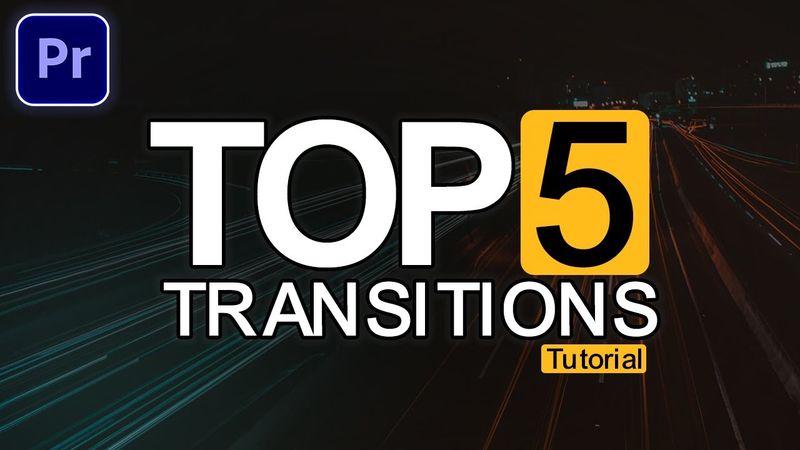
5 Custom Premiere Pro Transitions Tutorial – No Plugins, Easy & Smooth

5 Custom Premiere Pro Transitions Tutorial – No Plugins, Easy & Smooth Videosu İçin İndirme Bilgileri ve Detaylar
Yükleyen:
Ali VFXYayınlanma Tarihi:
27.08.2025Görüntülenme:
361Açıklama:
📌300+ Seamless Transitions pack 📌All In One Mega Pack ( Include 500+ Transitions , Luts , Subtitle ) 50% OFF --------------------------------------------------------------------------------------------------------------------- Learn 5 custom Premiere Pro transitions in this easy tutorial! Smooth, professional, and plugin-free, these transitions work perfectly for YouTube videos, vlogs, and short films. Enhance your edits with zoom, glitch, blur, and mask effects — all created directly in Adobe Premiere Pro. Perfect for beginners and pros! . . Watch More Tutorials on Premiere Pro Transitions: ▶️ 4 Seamless Transitions Tutorial: ▶️ 7 Premiere Pro Transitions Tutorial: --------------------------------------------------------------------------------------------------------------------- ✅Get Unlimited Templates Envato: ✅ Want to add Automatic Animated Captions: Use Promo Code to save 10%: ALIVFX . . If you want to take your editing skills to the next level, you can check out my Presets Pack by clicking on the link below. ✅Get Mega Transitions Pack (Incl. Glitch, Seamless, Zoom Transitions: ✅280+ Cinematic LUTs for All Editing Softwares : . . . ▶️ My Best Video Playlists: Popular Videos: Latest Videos: Premiere Pro: Vn Video Editor Tutorials: ✅Get My Presets For All Software's: megaeditingsource.gumroad.com _________________________________________________________________________ 📽️ Video Chapters: 00:00 Introduction 00:21 Transition #1: Double Edge Glitch 01:14 Transition #2: Triple Glitch 03:45 Transition #3: Zoom Flow 05:02 Transition #4: Cinematic Zoom 06:17 Transition #5: Mask Slide 07:27 Outro . #premierepro2025 #premiereprotutorial #premiereprotransitions #adobepremierepro #effects #seamlesstransition #transitiontutorial 👉 If you found this helpful, don’t forget to LIKE 👍, COMMENT 💬, and SUBSCRIBE 🔔 for more editing tutorials!