БОЛЬШАЯ ОПТИМИЗАЦИЯ WINDOWS 10 / КАК ПОВЫСИТЬ ПРОИЗВОДИТЕЛЬНОСТЬ ПК В ИГРАХ? ГАЙД!

БОЛЬШАЯ ОПТИМИЗАЦИЯ WINDOWS 10 / КАК ПОВЫСИТЬ ПРОИЗВОДИТЕЛЬНОСТЬ ПК В ИГРАХ? ГАЙД!01:01:22

БОЛЬШАЯ ОПТИМИЗАЦИЯ WINDOWS 10 / КАК ПОВЫСИТЬ ПРОИЗВОДИТЕЛЬНОСТЬ ПК В ИГРАХ? ГАЙД! Videosu İçin İndirme Bilgileri ve Detaylar
Yükleyen:

Welson

Yayınlanma Tarihi:

14.04.2021

Görüntülenme:

3.2M

Açıklama:

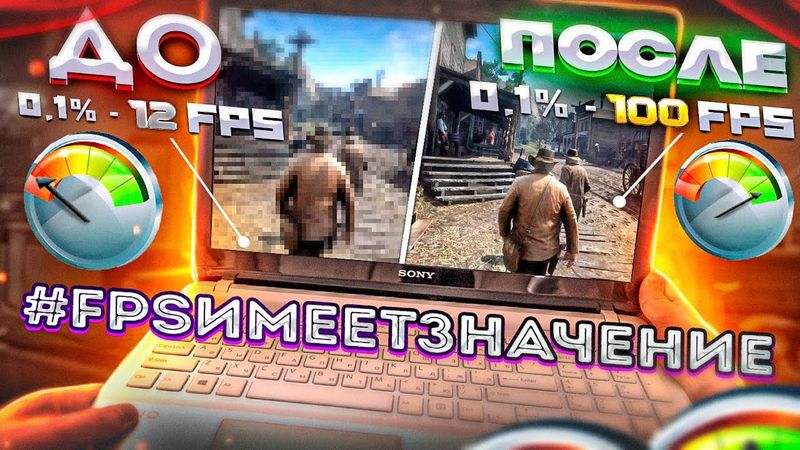
The video begins with a greeting at 0:00, where the host explains the goal of the video: to eliminate lag, FPS drops, and input lag on PCs. At 2:14 he outlines the stages of Windows 10 optimization, and at 3:06 he advises installing a fresh operating system if the PC is cluttered. At 4:05 he explains why manual driver installation matters, and at 4:27 he introduces AIDA64 for identifying motherboard and graphics card models. At 5:19 he demonstrates how to install motherboard drivers, while at 6:23 he discusses GPU drivers. At 7:35 he shows how to manually install graphics drivers from Nvidia and AMD sites, and at 9:43 he demonstrates using GeForce Experience or AMD Adrenalin to install drivers. At 11:05 he explains the need to reboot and update remaining drivers via Windows Update. At 12:45 he covers Windows parameters and restore points, and at 13:47 he disables unnecessary Windows settings. At 14:58 he tweaks display, hardware acceleration, and sets a high performance priority for applications. At 17:24 he continues cleaning Windows parameters, including startup, privacy, and special features. At 22:57 he discusses disabling Windows updates, and at 25:22 he disables Windows Defender. At 28:24 he removes unnecessary applications, and at 29:19 he uses PowerShell to remove Cortana, Xbox, and other pre‑installed apps. At 30:05 he configures sound settings. At 31:29 he mentions a Lenovo IdeaPad Gaming 3 with an AMD processor. At 35:51 he configures mouse precision settings. At 36:29 he sets the power plan to maximum performance. At 38:22 he disables unnecessary Windows services. At 41:21 he configures File Explorer, and at 42:14 he improves overall system responsiveness. At 43:23 he configures the Control Panel, and at 44:32 he disables disk indexing. At 45:32 he cleans the disk and temporary files. At 46:10 he reboots the PC to apply all changes. At 46:40 he offers additional performance tips, such as disabling full‑screen optimization and hardware acceleration in Windows apps. At 48:46 he optimizes Discord. At 50:21 he references personalization settings. At 51:17 he configures Nvidia settings. At 53:14 he finishes the guide and reboots the PC. At 53:54 he shows before and after performance tests, and at 56:44 he concludes with the results of his tests.