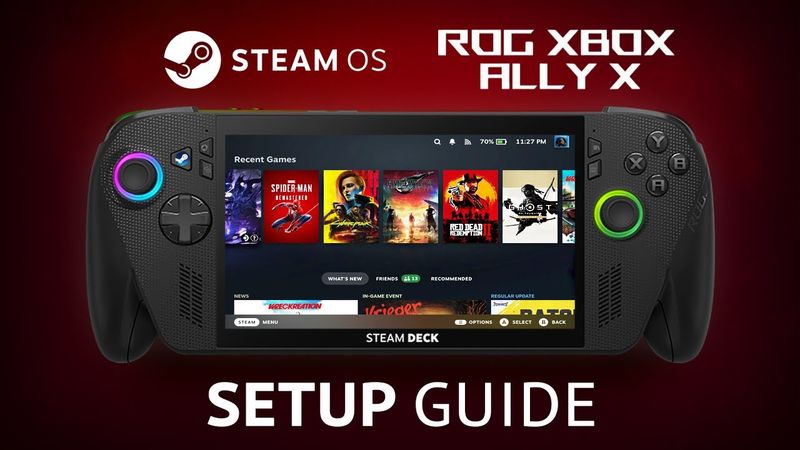
This video offers a step‑by‑step guide to installing and configuring SteamOS on the ROG XBOX ALLY X handheld. It covers downloading the SteamOS image, writing it to a USB drive, disabling Secure Boot in the BIOS, booting the OS, and completing the first‑time launch. The tutorial then walks through setting up Desktop Mode with Decky Loader and SimpleDeckyTDP, installing the Gaming Mode plugin, adjusting TDP controls, testing the controller, and managing sleep mode and RGB lighting. Finally, it shows how to return to Windows.
Timestamps:
00:00 - Introduction
01:00 - Download & Write SteamOS
01:46 - BIOS Disable Secure Boot
02:24 - Boot SteamOS USB
02:13 - SteamOS First Time Launch
03:46 - Desktop Mode Decky Install
04:58 - Desktop Mode Simple Decky TDP Install
05:16 - Gaming Mode Plugin Install
05:52 - TDP Controls
06:16 - Controller Test
06:49 - Sleep Mode & RGB's
07:15 - Go Back To Windows
07:36 - Thank You For Watching