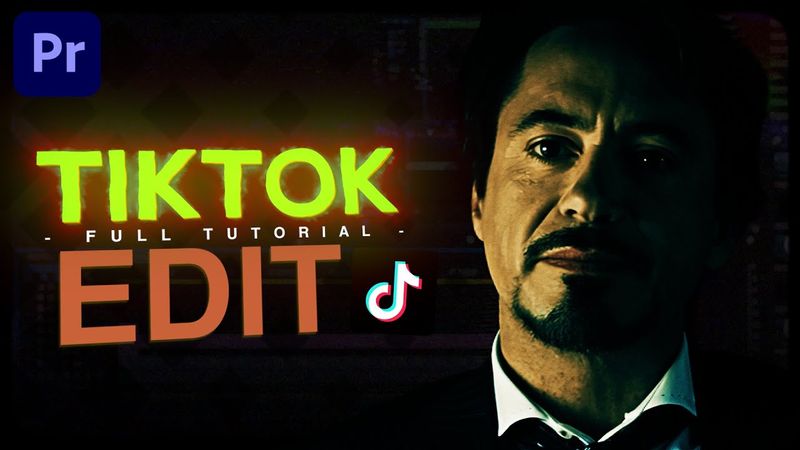
How To Make a TikTok Edit on Premiere Pro (Full Beginner Tutorial)

Інформація про завантаження та деталі відео How To Make a TikTok Edit on Premiere Pro (Full Beginner Tutorial)
Автор:
TheNamesEngerДата публікації:
07.02.2025Переглядів:
10.9KОпис:
This tutorial shows how to create a TikTok‑style edit in Adobe Premiere Pro. It covers setting up a sequence, importing and resizing clips, cutting and re‑framing footage, and adding smooth zoom‑in and zoom‑out transitions. You’ll learn how to sharpen the edit with high‑quality effects, color grade for a stylistic look, and add a watermark to protect your work. The video also explains how to avoid common issues, use slow motion, render previews, adjust optical flow, extend clip duration, duplicate frames, nest clips, apply sharpening, color grading, and zoom transitions. Finally, it covers exporting settings optimized for TikTok. ⏰ Timestamps: 0:00 Overview 0:33 Creating your sequence 1:25 Importing clips 2:05 Resizing clips 2:50 Cutting clips 4:00 Re‑framing clips 4:36 Important explanation about frames 6:17 AVOIDING THE ISSUE! 7:36 Slowing down clips (slow motion effect) 8:34 Rendering a preview 9:08 Optical flow setting 9:36 Extending clip duration 11:48 Don’t forget... 12:04 Duplicate frames, again? 14:15 Nesting clips one final time 14:35 Sharpen effect (settings) 16:22 Color grading 17:50 Zoom transitions 18:28 Enger’s TikTok Editing Pack (Presets) 19:44 Zoom in transition 20:15 Graphs (for zoom in) 22:10 Duplicating adjustment layer and previewing transition 22:43 Too fast? Change the keyframes 23:42 Zoom out transition & graphs 24:39 Text watermark (preparation) 25:30 Re‑align text / position 26:06 Text settings 26:54 Export settings
Схожі відео: How To Make a TikTok Edit on Premiere Pro
Aggressive Shake Transition Tutorial | Premiere Pro (TikTok Style)
Smooth Slide Transitions | Premiere Pro Edit Tutorial
Smooth Zoom In & Out (S_BlurMoCurves) | Premiere Pro Tutorial

Halftone Shake Transition | Premiere Pro Edit Tutorial

Viral "Quality" Coloring | Premiere Pro Edit Tutorial