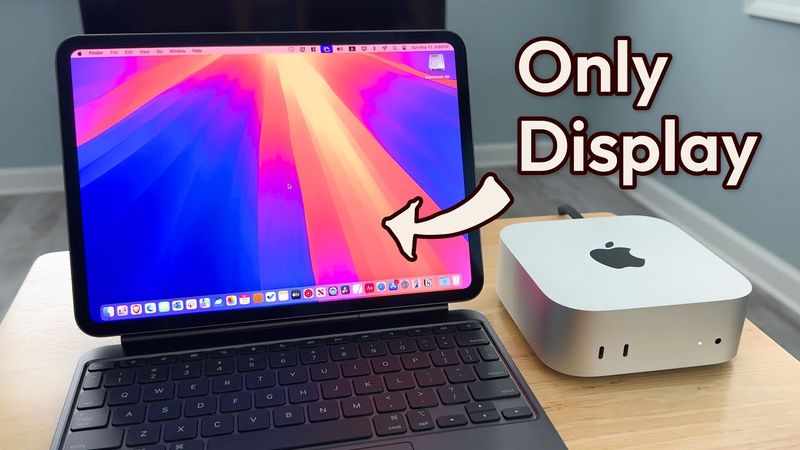
Here are 4 easy and low-cost ways to use your iPad as the ONLY monitor for your Mac mini. Whether you're looking for the best image quality or want to control macOS using your iPad's touchscreen, there's a solution here for you. Most of these methods don't require any extra hardware and offer a surprisingly smooth macOS experience right on your iPad—perfect for minimal setups, portability, or working on the go.
00:00 - Intro
00:21 - Method 1: HDMI Capture Card
02:33 - Method 2: Apple Sidecar
07:27 - Method 3: Yam Display
08:48 - Method 4: Remote Desktop (Jump Desktop)
11:45 - My Favorite Method
12:15 - Things to Keep in Mind
Схожі відео: Use Your iPad as the ONLY Display for Mac Mini