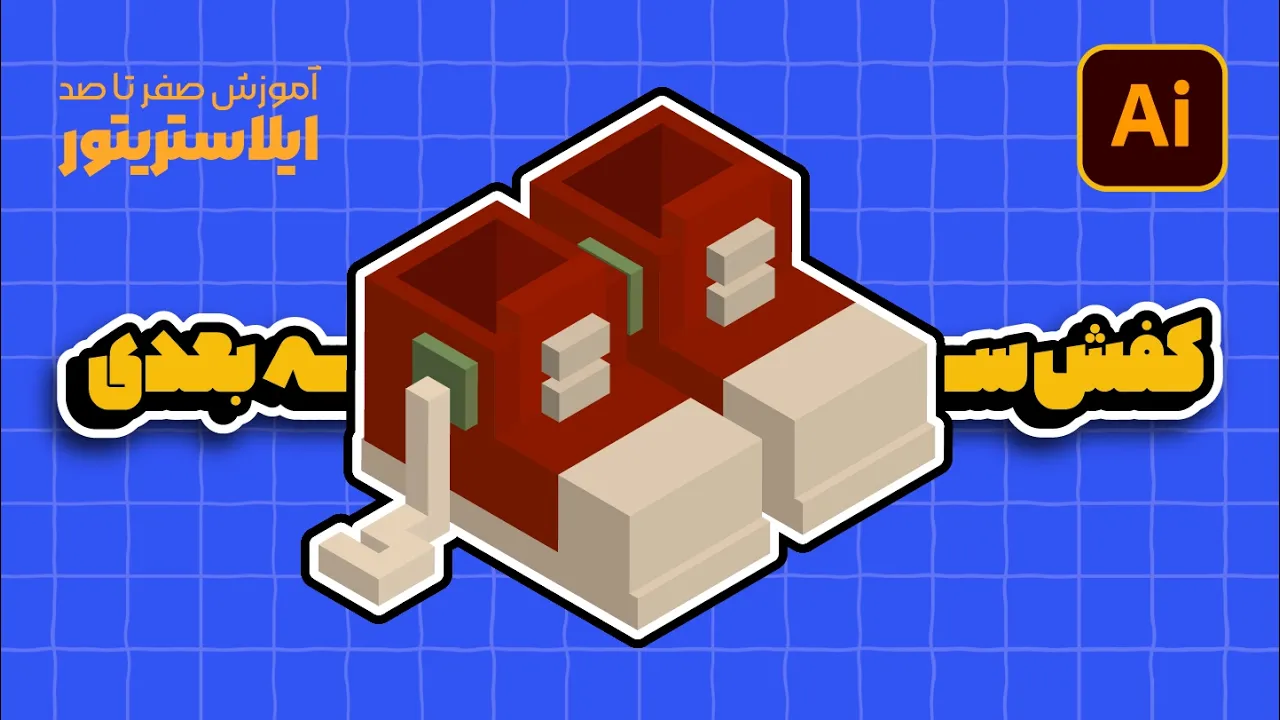
آموزش ایلوستریتور: طراحی اتاق ایزومتریک (بخش ششم: دراور سهبعدی!) (درس ۸۵ - صفر تا صد ایلوستریتور)
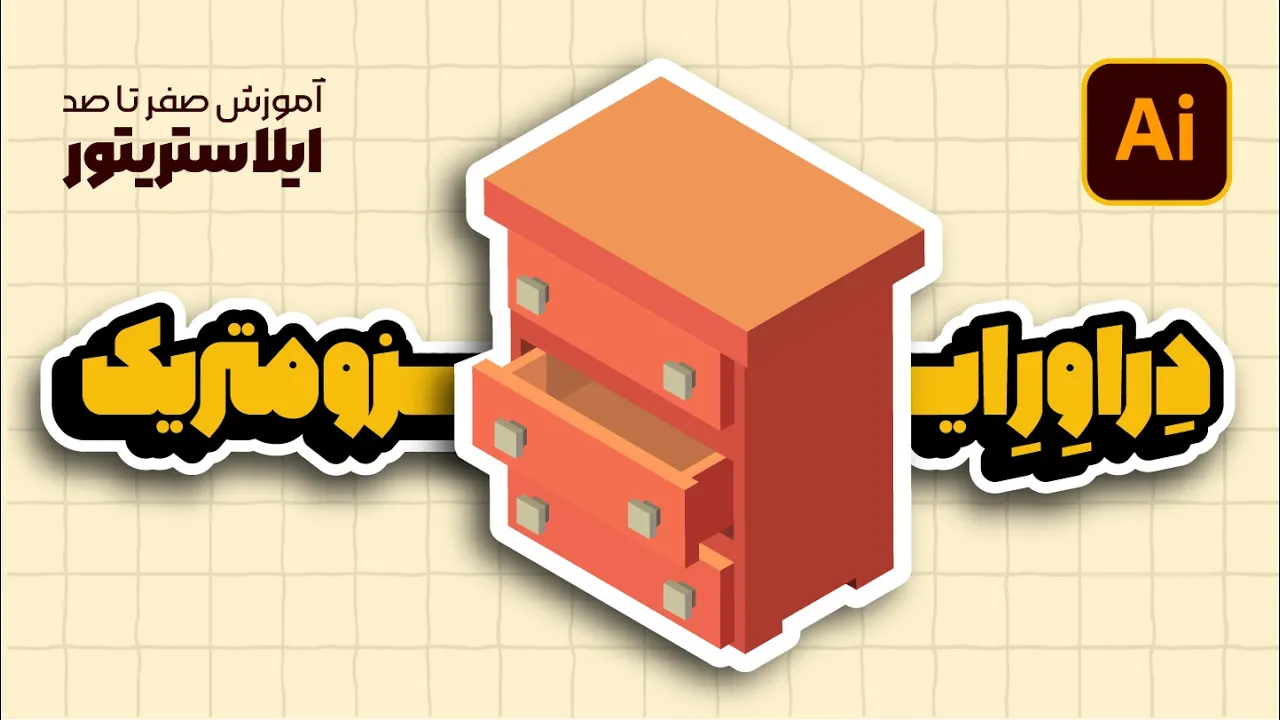
آموزش ایلوستریتور: طراحی اتاق ایزومتریک (بخش ششم: دراور سهبعدی!) (درس ۸۵ - صفر تا صد ایلوستریتور) videosi uchun yuklab olish ma'lumotlari va tafsilotlari
Muallif:
محمد میگه (محمد بهشتی راد) | آموزش هنر دیجیتالChop etilgan sana:
14/05/2025Ko'rishlar soni:
234Tavsif:
O'xshash videolar: آموزش ایلوستریتور
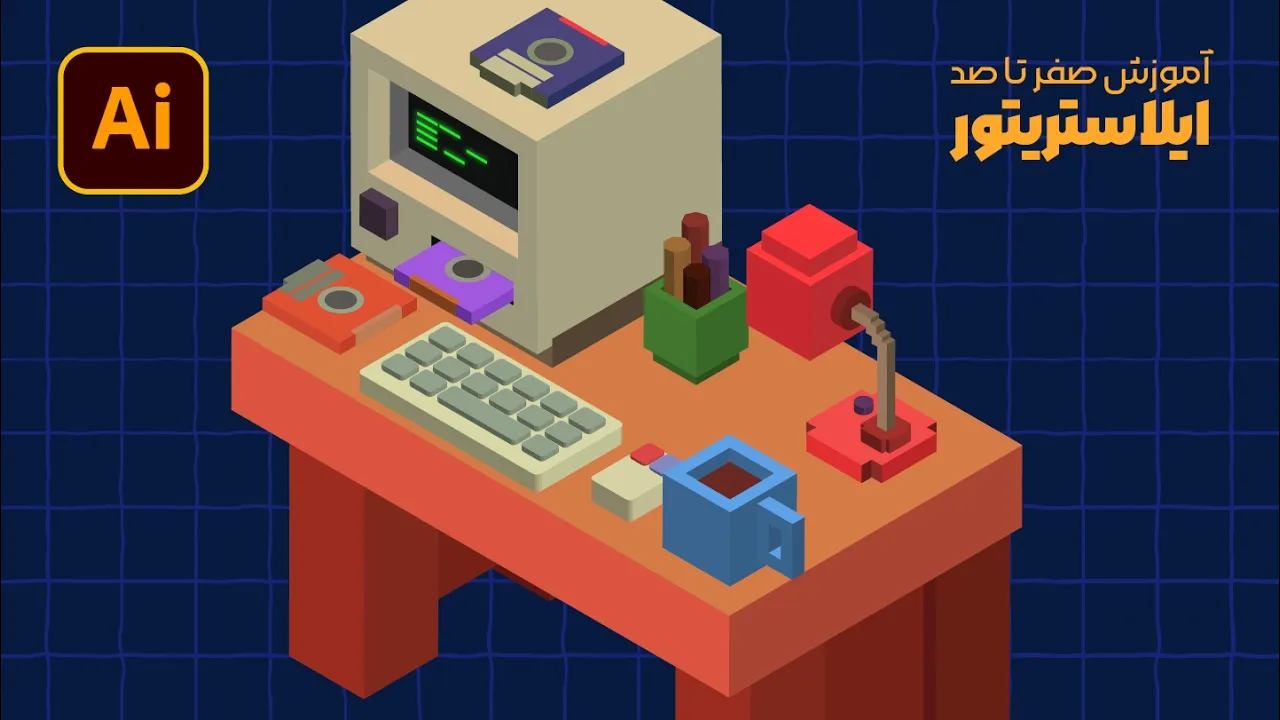
آموزش ایلوستریتور: طراحی اتاق ایزومتریک (بخش نهم: وسایل رومیزی) (درس ۸۸ - صفر تا صد ایلوستریتور)
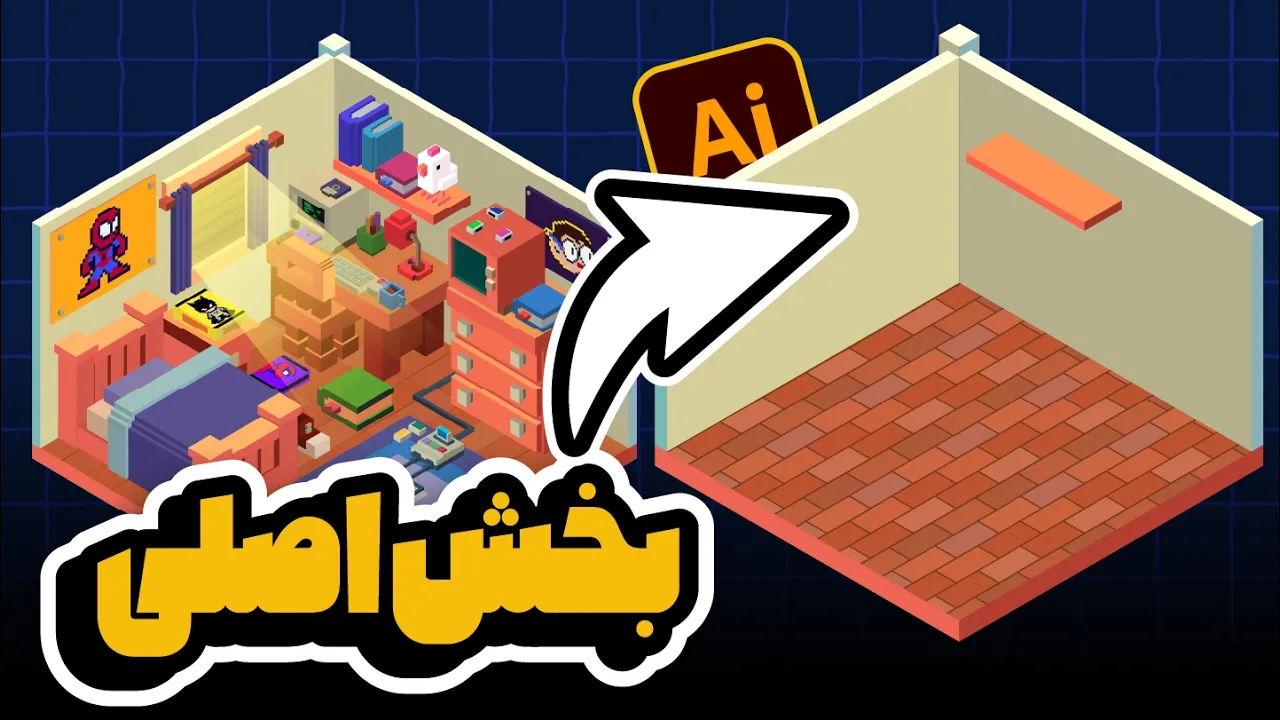
آموزش ایلوستریتور: طراحی اتاق ایزومتریک (بخش اول: مبانی و دیوارها) (درس ۸۰ - صفر تا صد ایلوستریتور)
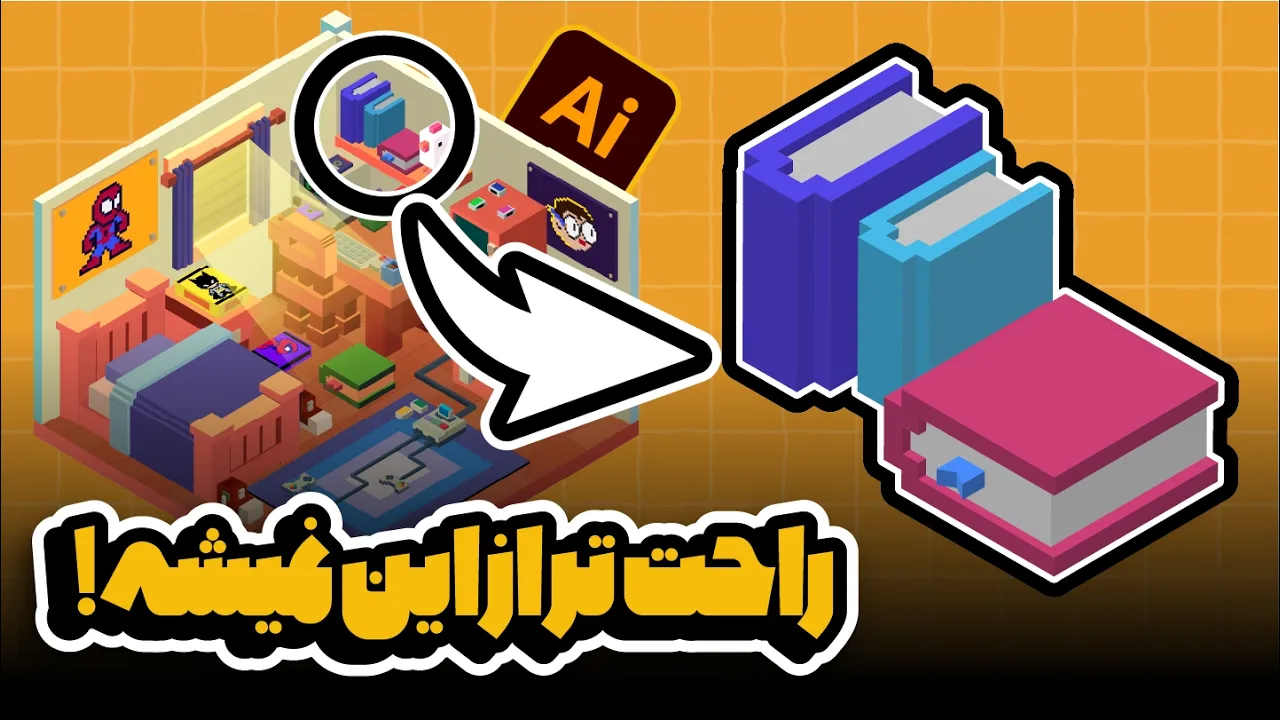
آموزش ایلوستریتور: طراحی اتاق ایزومتریک (بخش سوم: کتاب سهبعدی!) (درس ۸۲ - صفر تا صد ایلوستریتور)
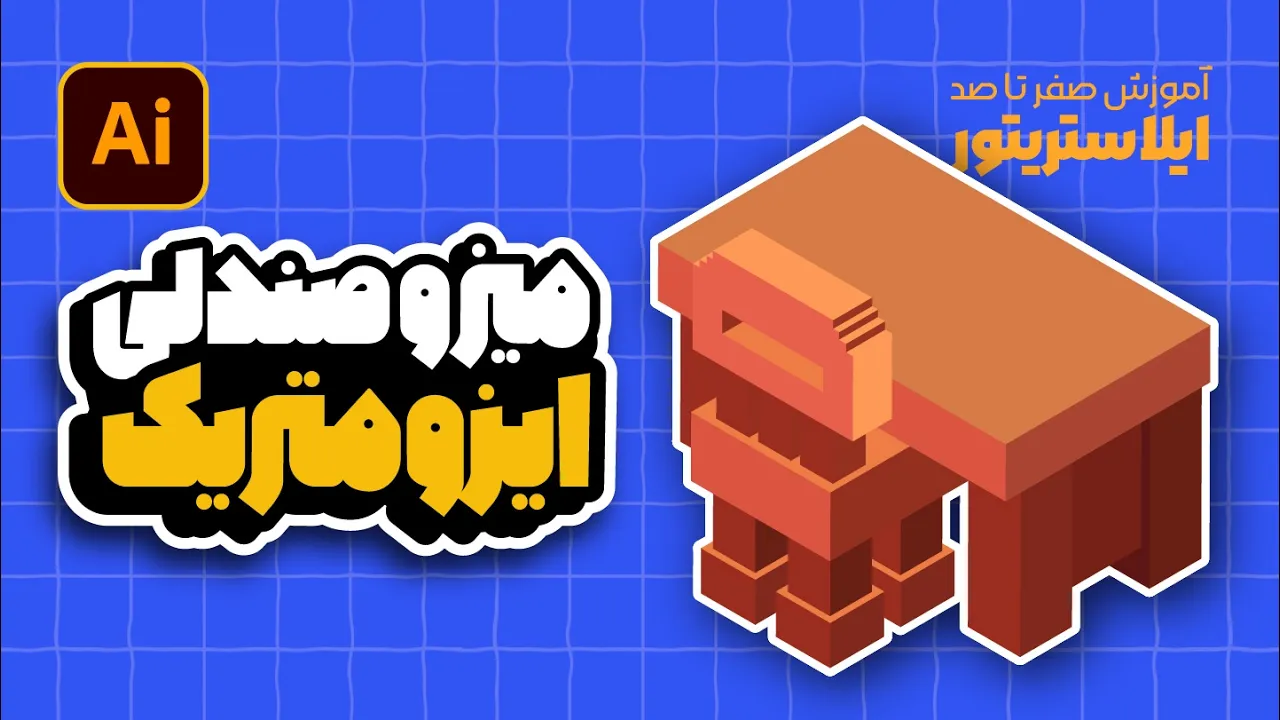
ایلوستریتور: طراحی اتاق ایزومتریک (بخش هفتم: میز و صندلی سهبعدی!) (درس ۸۶ - صفر تا صد ایلوستریتور)
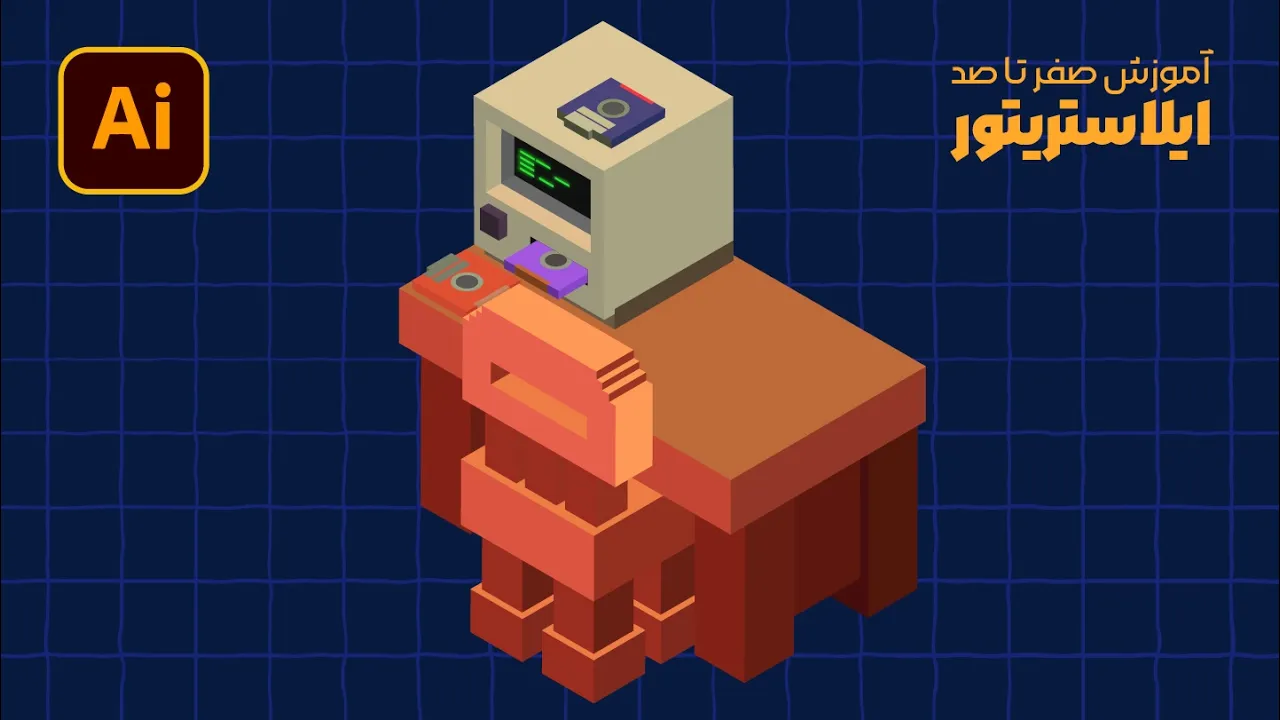
ایلوستریتور: طراحی اتاق ایزومتریک (بخش هشتم: مانیتور و فلاپی!) (درس ۸۷ - صفر تا صد ایلوستریتور)