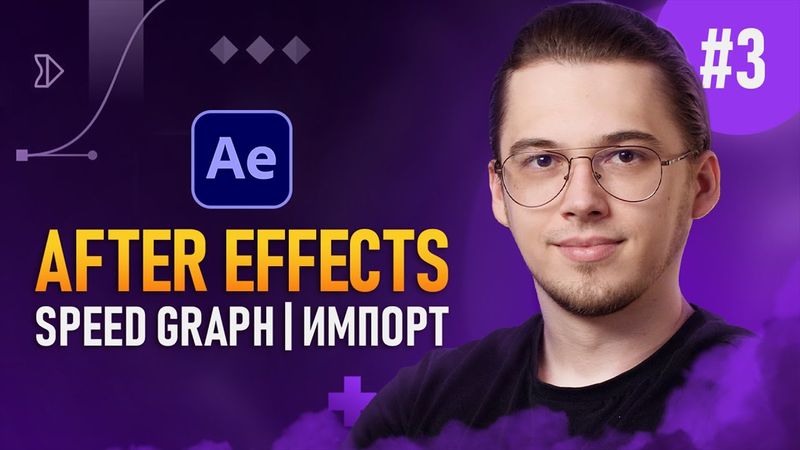
After Effects с Нуля #3 — Speed Graph | Композиции | Импорт

After Effects с Нуля #3 — Speed Graph | Композиции | Импорт videosi uchun yuklab olish ma'lumotlari va tafsilotlari
Muallif:
PhotofoxChop etilgan sana:
25/02/2025Ko'rishlar soni:
24.5KTavsif:
In this video we continue the free After Effects course that turns beginners into specialists ready to take commercial orders. We show how to work with main tools, the timeline, and keyframes. The lesson covers importing files, the difference between composition and footage, the "Merged Layers" method, selecting layers, the "Composition" method, renaming objects, file structure, preparing .ai files before import, navigating inside compositions, adding a background via solid, starting animation, Easy Ease, Speed Graph, resetting animation, Easy Ease in/out, Auto Bezier keyframes, and a summary. Timestamps: 00:00 - Вступление, 00:45 - Импорт файла, разница между composition и footage, 03:10 - Метод "Merged Layers", 03:40 - Footage - выбор слоя, 03:58 - Метод "Composition", 06:00 - Как сменить название объекта, 06:10 - Правильная структура файлов, 07:30 - Подготовка .ai файла перед импортом, 08:30 - Как зайти внутрь композиции, 09:39 - Добавление фона через "solid", 12:20 - Начало анимации, 14:30 - Easy Ease, Speed Graph, 21:50 - Мой инстаграм, 22:19 - Как сбросить анимацию, 23:39 - Easy Ease in, Easy Ease out, 25:09 - Auto Bezier ключевые кадры, 25:58 - Подведение итогов. The course continues with more lessons on animating objects and keyframes. If you have questions, leave a comment and we will answer. Enjoy the video!
O'xshash videolar: After Effects с Нуля
After Effects с Нуля #2 — Ключевые кадры | Инструменты
After Effects с Нуля #5 — Эффекты и Доп. Функции
After Effects с Нуля #8 — Разбор моих проектов

After Effects с Нуля #1 — Начало работы | Интерфейс
🛠 Настройка After Effects для начинающих. Что тыкать в первую очередь? Секретов нет! AEplug 279
![Эффект стекла в Adobe Illustrator [Самая гибкая методика]](https://videodownloadbot.com/images/video/8c3/2b5e4mttcwe8uvutwbzrtvq9wxg1fiu7_medium.jpeg)