How to Bind Effects to shapes | Moho 14.3

How to Bind Effects to shapes | Moho 14.321:54

How to Bind Effects to shapes | Moho 14.3 videosi uchun yuklab olish ma'lumotlari va tafsilotlari
Muallif:

Modelman Animation

Chop etilgan sana:

26/10/2025

Ko'rishlar soni:

341

Tavsif:

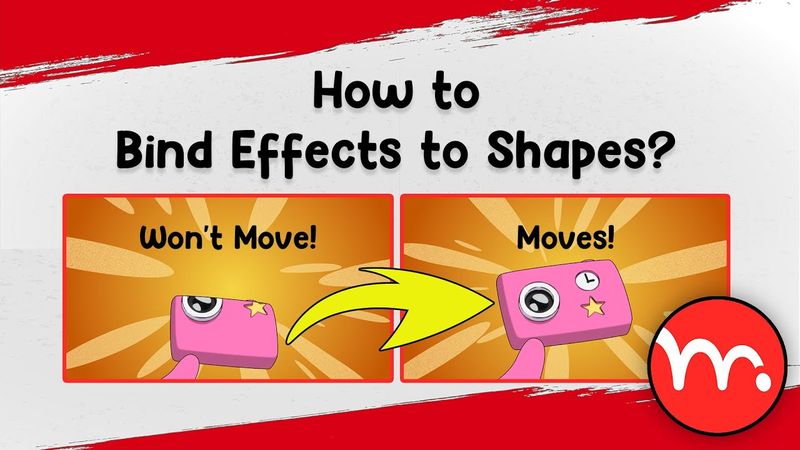
In this tutorial, Hossein Alinaghipoor (Modelman) demonstrates a powerful Moho script that dynamically binds visual effects to shape transformations. By applying the script, any movement, rotation, or scaling of a shape using the Transform Points tool automatically updates the effect, preserving keyframe data, intervals, and interpolation. The video walks through the script’s key features—compatibility with all Moho versions, multilingual support, free and open source, and the ability to target specific points or exclude shapes. It also compares alternative solutions such as masks, transform layers, groups, bones, color points, and warp layers, highlighting their limitations and explaining why the script is a game-changer for Moho animators. Viewers learn how to use the script, troubleshoot common issues, and explore additional features like image texture effects. The tutorial concludes with a Q&A and thanks to collaborators. 0:00 - Coming Up 0:43 - Intro 0:57 - Problem 1:17 - How to ask your question 1:34 - explaining the problem in detail 2:51 - solution 1: Mask 3:43 - solution 2: Transform Layer tool 5:17 - solution 3: Group 5:34 - solution 4: Bone and bind layer 7:22 - solution 5: Color Points 8:36 - solution 6: Warp Layers 12:52 - solution 7: Bind Effect Script 17:26 - Why should we use image texture effect? 19:55 - Extra features 21:28 - Lamar's Respose 21:33 - Outro