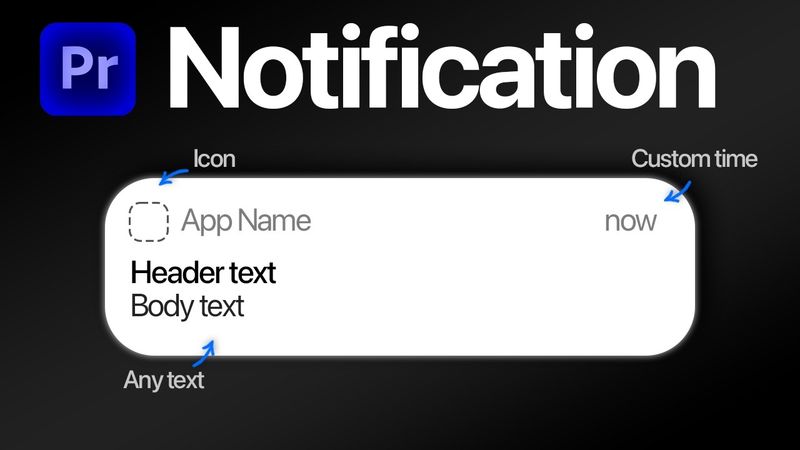
How To Make a iPhone Notification in Premiere Pro

How To Make a iPhone Notification in Premiere Pro videosi uchun yuklab olish ma'lumotlari va tafsilotlari
Muallif:
Adobe BasicsChop etilgan sana:
26/01/2026Ko'rishlar soni:
448Tavsif:
Learn how to create a realistic iPhone notification animation in Adobe Premiere Pro. The tutorial walks through each step, from selecting the notification template to customizing the app icon, app name, notification time, message, and container. It also covers adding motion blur for a polished look and how to import the template into your project. Follow along with the timestamps below for each section. 00:00 - iPhone Notification Animation Tutorial 00:13 - Changing the app icon 00:27 - Premiere pro bug 00:40 - Changing the app name 00:52 - Notification time 00:56 - Notification message 01:01 - Message container 01:12 - Motion blur 01:20 - Get the template
O'xshash videolar: How To Make a iPhone Notification in Premiere Pro
100 FREE Presets + Text Animations Pack for Premiere Pro | Templates + Bonus 🎁
How To Make BOUNCY Text in Premiere Pro

How To Make Paper Unfold Animation in Premiere Pro

This Editing Mistake Is Killing Your Growth
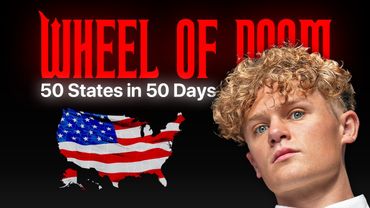
How To Make Ryan Trahan Text Effect in Premiere Pro