🔧КАК ОЧИСТИТЬ ВЕСЬ КЭШ В WINDOWS 10/ПОВЫШАЕМ ПРОИЗВОДИТЕЛЬНОСТЬ ПК, ЧИСТКА ДИСКА С ОТ МУСОРА!

🔧КАК ОЧИСТИТЬ ВЕСЬ КЭШ В WINDOWS 10/ПОВЫШАЕМ ПРОИЗВОДИТЕЛЬНОСТЬ ПК, ЧИСТКА ДИСКА С ОТ МУСОРА!16:05

🔧КАК ОЧИСТИТЬ ВЕСЬ КЭШ В WINDOWS 10/ПОВЫШАЕМ ПРОИЗВОДИТЕЛЬНОСТЬ ПК, ЧИСТКА ДИСКА С ОТ МУСОРА! videosi uchun yuklab olish ma'lumotlari va tafsilotlari
Muallif:

Welson

Chop etilgan sana:

30/09/2021

Ko'rishlar soni:

6M

Tavsif:

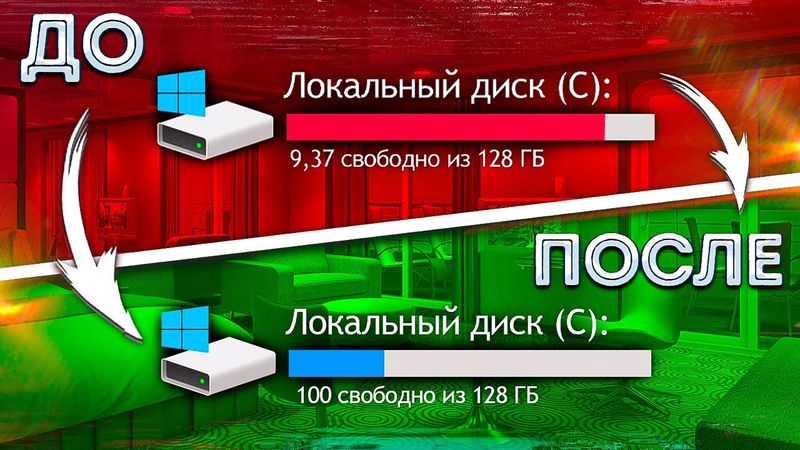
In this video, the creator explains how to clear cache and junk in Windows 10, covering temporary files, software distribution, prefetch, disk C cleanup, restore points, explorer logs, Windows Store cache, DNS cache, location logs, browser cookies, GPU cache, and leftover junk in Windows settings. The steps are demonstrated to free gigabytes of space, reduce lag, and potentially increase FPS. The video is structured as follows: 0:00 – introduction; 0:53 – explanation of cache; 1:39 – clearing temp files; 4:43 – disk C cleanup; 5:56 – ROG Zephyrus S17; 8:50 – removing restore points; 9:57 – clearing explorer logs; 10:11 – clearing Windows Store cache; 10:50 – clearing DNS cache; 11:21 – clearing location logs; 11:35 – clearing browser cookies; 13:15 – clearing GPU cache; 14:06 – clearing leftover junk; 14:43 – conclusion.