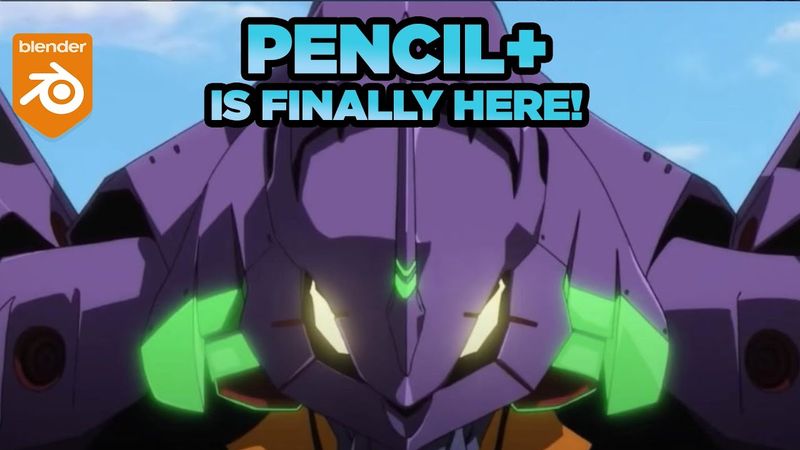
3D Anime: How to install and use Pencil+ for Blender (Evangelion 3.1)⭐

Download information and video details for 3D Anime: How to install and use Pencil+ for Blender (Evangelion 3.1)⭐
Uploader:
ActivemotionpicturesPublished at:
10/21/2023Views:
15.7KDescription:
How to install Pencil+ for Blender. This video shows the features to create stylized OUTLINES for your 3D #anime models. GET MY MODELS + SHADERS: ⭐ 🔔 ------------------------------------------------------------------------------- 👍 If you want to TRY the 14 day period for Pencil+: 1) Download the Github latest Pencil+ ADDON for Blender: 2) Download and install the Pencil+ Render APP, follow the install instructions: 3) Start Blender, install the addon as usual. In the addon of Pencil+ preferences target the directory where you installed Pencil+ Render APP. Restart Blender Full Pencil+ for Blender features: 🔔 How Pencil+ Bridge works (Between 3DsMax to Blender): 🔔 **** SOCIALS ****** **** MUSIC ******* Song: Waesto - Waiting Music provided by Vlog No Copyright Music. Video Link: Upbeat Energetic Funk by Infraction [No Copyright Music] / Sweet Life "Upbeat Energetic Funk" is 100% no copyright royalty free modern pop funk track! Eva 3D Model by Aqua-Blender: **** CHAPTERS ***** 0:00 Intro presentation 0:44 What is Pencil+ ? 2:34 How to download Pencil+ 4:36 Addon installation in Blender 5:04 First scene with Pencil+ 9:51 How to RENDER with Pencil+ 11:30 Freestyle edges 12:05 Line styles 13:06 Conclusion
Similar videos: D Anime

How To Create A Ticker Tape Text Animation In Premiere Pro

How to Turn Any 2d Photo into 3d Using Fspy and Blender | Camera Mapping Beginner Tutorial

Making SPRUNKI All Funbot & Mr. Fun Computer & Casi Sculptures Timelapse
Edit Documentary Videos Like A Pro

How To Create Animation Presets In After Effects