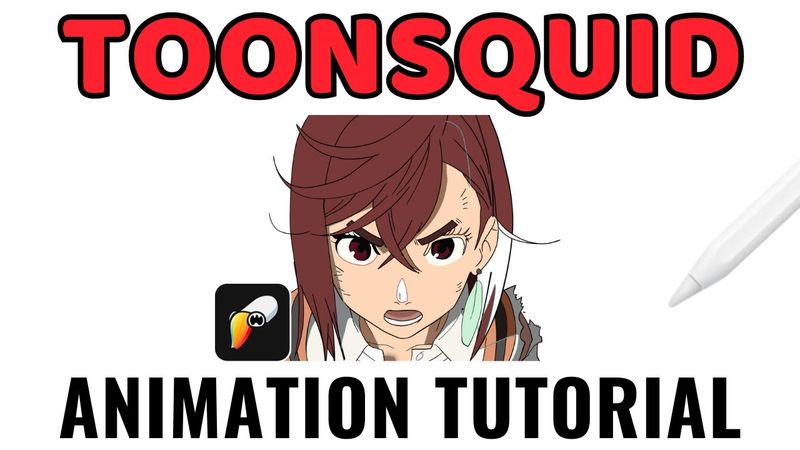
A Toonsquid 2D Animation Tutorial

Download information and video details for A Toonsquid 2D Animation Tutorial
Uploader:
Savonne DrawsPublished at:
11/18/2024Views:
17.9KDescription:
#toonsquid #2danimation #ipadanimation Learn how to master animation on the iPad with this Toonsquid tutorial! Perfect for beginners and experienced animators alike, this tutorial will show you how to create stunning 2D animations using ToonSquid's powerful animation tools. This app is created for people familiar with Adobe Flash, Adobe Animate and Macromedia Flash. Toonsquid Discord: Donate to the channel: Commissions Open: Toonsquid 2.0 is out 0:00 Start 0:23 Creating a Project 0:45 Navigation & Gestures 1:56 Tools 2:06 Brush Tool 2:55 Vector Brushes 3:10 Draw off of canvas 3:30 Keyboard shortcuts 4:00 Fill brush 4:30 Blending 5:02 Eyedropper & Gesture 5:25 Text tool 6:00 Shapes & Paths 7:10 Transform & Lasso 7:40 Warp & Deform 8:30 select multiple layers 8:35 drawing layers 8:55 masks 9:20 Animation(Finally) 9:25 Onion Skin 9:40 Timeline Controls 1/3 9:50 Onion Skin options 11:15 Timeline Controls 2/3 11:57 Edit Multiple Frames at once 12:15 Out of pegs 13:04 Timeline Controls 3/3 13:17 Keyframing 13:56 Symbols(Like Adobe Flash/Animate) 14:05 Lip Syncing DEMO 16:55 Importing 17:22 Audio Editing 17:50 Markers 18:30 Closing I forgot to go over the camera layer but you just use scale keyframes to make the camera work. All imports will go to the library.
Similar videos: A Toonsquid

I'll Teach You After Effects in 60 Minutes...
30 advanced Ableton Move ideas, tips & tricks // Pros, cons, Move Review & Tutorial
Rhino Course: Beginner to Advanced in 2.5hrs
Blender Beginner Tutorial - Part 2: Sword

Premiere Pro Reels Editing Breakdown 🔥 Learn Viral Animation + Captions + Effects in 1 Hour!