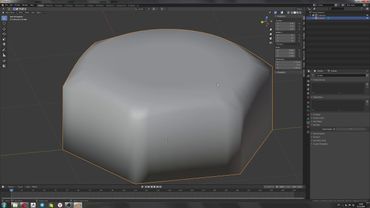
Animate Handheld Cameras in Blender - Lazy Tutorials
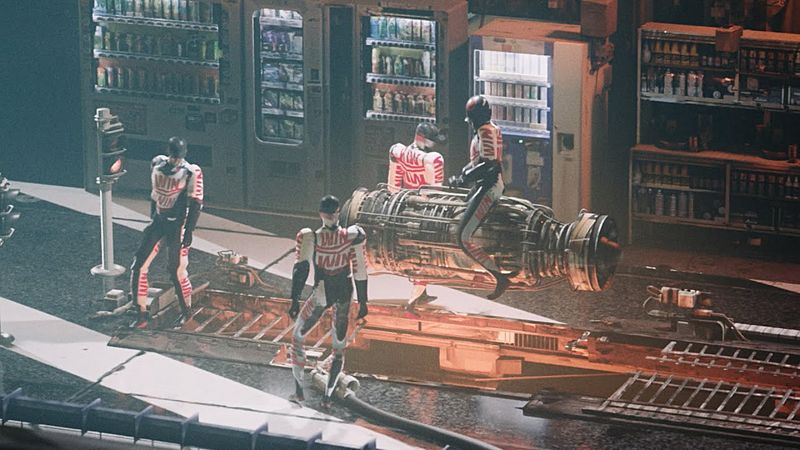
Download information and video details for Animate Handheld Cameras in Blender - Lazy Tutorials
Uploader:
IanHubertPublished at:
1/6/2020Views:
672.5KVideo Transcription
Animating handheld cameras can be really easy.
Set your start keyframe by hitting I, then go to Later and add your ending keyframe.
Select them both and hit V, Vector, so you'll move at a constant rate.
You can add more keyframes to make the camera path a bit more interesting.
Select one of the rotational axes and open the hidden side panel.
Why is it hidden?
Because it's too powerful.
Go to modifiers and add noise.
It'll be intense at first, but bring the scale up and the strength down until it feels natural.
Then do the same for the other axes.
Keep the y-axis subtle, although it can be the key to making a camera feel weightless if you're flying.
Likewise, the x-axis is key for giving a sense of speed on a fast moving vehicle over a bumpy ground.
Y-axis is the key to nothing.
And there we go!
And there we go.
I've probably done this process over a thousand times.
For extra realism, you can check depth of field and parent the target to an animated empty to control where you're focusing.
You might have to turn down the f-stop to see the blur.
And it's not just for cameras!
I can't animate at all, so this crab is just animated with noise modifiers on a few different bones.
Similar videos: Animate Handheld Cameras in Blender
Blender How to Resize Camera
Blender. Начало. Видеоуроки blender на русском языке. Урок№001
Easy way to model in Blender | Tissue Modifier
Блендер уроки для новичков в скульптинге Blender 4.2 sculpt #3d #blender #blendertips
Быстрый способ создание плинтуса в Blender | Уроки для начинающих Blender