Attach Objects to Walls and Ground in Filmora 14 - Planar Tracking Tutorial

Download information and video details for Attach Objects to Walls and Ground in Filmora 14 - Planar Tracking Tutorial
Uploader:
DonV TutorialsPublished at:
11/21/2024Views:
13.5KDescription:
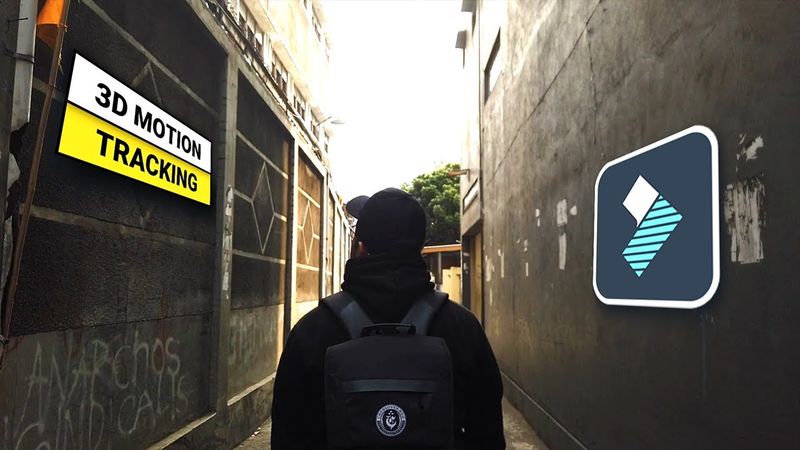
Learn How to Attach TEXT, IMAGES or Videos to Walls and Ground in Filmora 14! | Planar Tracking Tutorial 2025 In this tutorial, you'll learn how to add and attach 3D objects to walls, the ground, and other surfaces using Filmora 14's powerful Planar Tracking feature! Whether you're a beginner or an experienced video editor, this step-by-step guide will show you how to create stunning effects with ease. By the end, you'll be able to seamlessly integrate objects into your videos, creating professional-looking results in no time. 🔹 What You'll Learn: How to use Planar Tracking in Filmora 14 Attaching 3D objects to real-world surfaces like walls and the ground Tips and tricks to enhance your video editing skills Hope that you Enjoyed This Video :) Become a member and support the channel: Follow Me: instagram: donvtutorials Respect each Other on the COMMENTS!
Similar videos: Attach Objects to Walls and Ground in Filmora
How to make a PROGRESS BAR in Premiere Pro ( Part 2)
Clone Tutorial Using the New Object Mask in Premiere (beta) | @jafaralwashmedia x Adobe Video

MIND-BLOWING Motion Graphics Secrets Revealed - Premiere Pro Tutorial

Creating 3D Screen and Text Highlight Effects in Filmora 14
Editing Motion Graphics Reels in Premiere Pro – Clean & Minimal Style