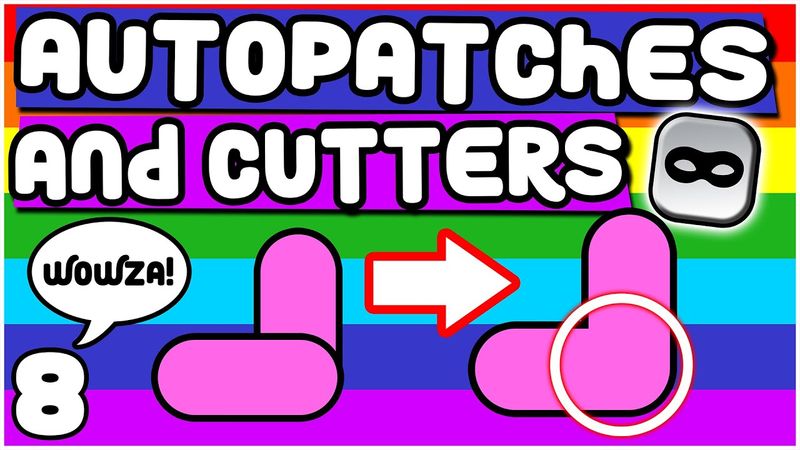
AUTOPATCHES and CUTTERS | Toon Boom Harmony Rigging Tutorial | Part 8

Download information and video details for AUTOPATCHES and CUTTERS | Toon Boom Harmony Rigging Tutorial | Part 8
Uploader:
DrawnSeanPublished at:
5/10/2022Views:
19.9KDescription:
Toon Boom Harmony Premium tutorial series for beginners showing you how to make your own cartoon from start to finish! In this tutorial I'll show you how to use the autopatch and cutter nodes to merge parts of your rig together. ☕Buy me a Coffee! - ☕ ⭐Download this Chracter Rig - ⭐ ⭐Download this Character Turnaround - ⭐ 💻1 on 1 training - 💻 PREVIOUS VIDEO - DEFORMERS : NEXT VIDEO - RIGGING the ARM : Full Rigging Playlist: Need help? Join the official Toon Boom Harmony Discord server! If you found this video useful please consider liking, subscribing and sharing! ============================================= Follow me: Twitch livestream: All links: Website: Instagram: Twitter: Tik Tok: Artstation: Twitch: Join our discord community here! : Business Enquiries: [email protected] Music: ============================================= Timestamps: 00:00 - Intro 00:40 - Auto-Patch Intro 02:39 - Z-Axis 04:40 - Auto-Patch Continued 06:27 - Cutters 08:10 - Auto-Patch Continued 09:44 - Overlay 12:11 - Library 13:48 - Adding Multiple Autopatches 19:02 - Masking Drawings Inside Drawings 21:25 - Outro #toonboomharmony #rigging #tutorial #animation
Similar videos: AUTOPATCHES and CUTTERS
DEFORMERS | Toon Boom Harmony Rigging Tutorial | Part 7

RIGGING Sonnie's ARM | Toon Boom Harmony Rigging Tutorial | Part 9
Character TURNAROUND | Toon Boom Harmony Rigging Tutorial | Part 14

FINISHING the RIG | Toon Boom Harmony Rigging Tutorial | Part 13

MASTER CONTROLLERS | Toon Boom Harmony Rigging Tutorial | Part 16