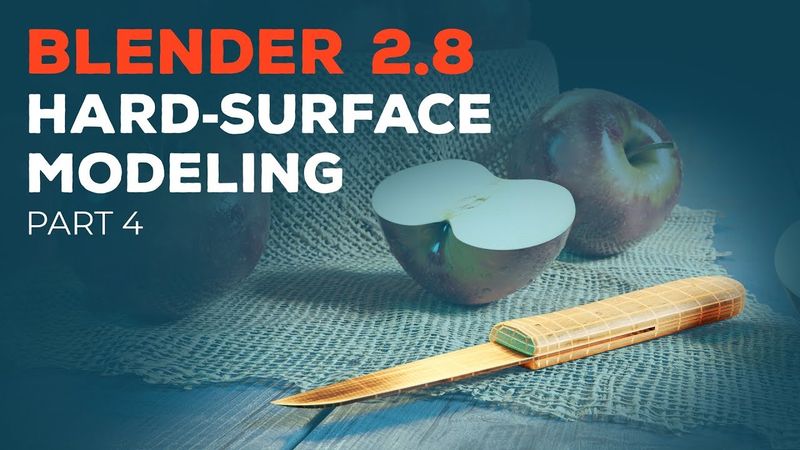
Blender 2.8 Beginner Tutorial - Part 4: Hard-Surface Modeling

Download information and video details for Blender 2.8 Beginner Tutorial - Part 4: Hard-Surface Modeling
Uploader:
CG BoostPublished at:
9/9/2019Views:
182KDescription:
In this part of the Blender 2.8 beginner tutorial series, you’ll see how to model a knife from a reference image. The video walks through setting up reference images in Blender, preparing and modeling the knife handle, modeling the blade, applying edge beveling & auto-smoothing, grouping objects via parenting, and concludes with an outro. It is organized by timestamps as follows: 00:00 – Introduction; 00:43 – Setting up reference images in Blender; 04:08 – Knife handle preparation; 07:16 – Knife handle modeling; 12:45 – Knife blade modeling; 17:37 – Edge Beveling & Auto Smooth; 19:24 – Parenting objects (grouping); 20:58 – Outro.
Similar videos: Blender

Blender 2.8 Beginner Tutorial - Part 8: Materials
Blender 2.8 Beginner Tutorial - Part 9: Procedural Materials
Blender 2.8 Beginner Tutorial - Part 3: Organic Modeling
Blender 2.8 Beginner Tutorial - Part 7: Texture Painting
Blender 2.8 Beginner Tutorial - Part 6: UV Unwrapping