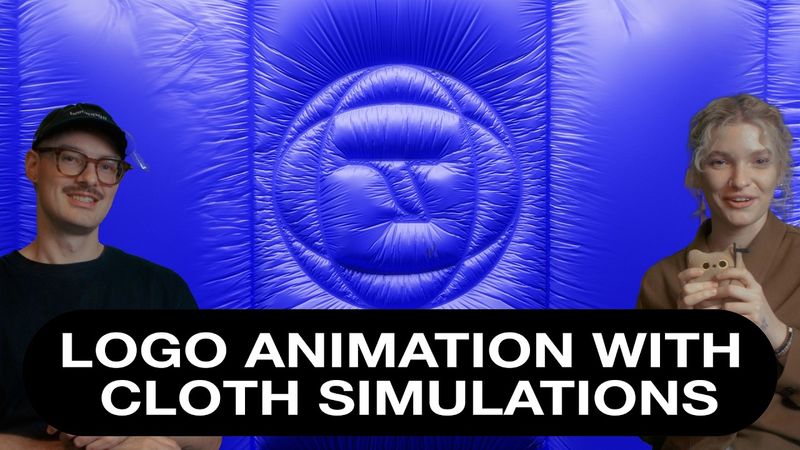
Blender Tutorial Type/Logo Animation using Cloth Simulation

Download information and video details for Blender Tutorial Type/Logo Animation using Cloth Simulation
Uploader:
toerichtPublished at:
12/29/2024Views:
5.6KDescription:
Support us and get project files, assets, discounts in our shop and more on our Patreon page :D Socialmedia if you wanna send cute pics or want to share your work: Portfolio & Business inquiries: Our online shop where you can find our prints: In this tutorial, we’ll show you how to create a smooth and dynamic logo animations using cloth simulation in Blender. From setting up your scene and organizing files to working with vertex groups and cloth physics, this step-by-step guide walks you through the entire process. What’s covered in this video: - Importing and preparing SVGs for animation. - Using vertex weight modifiers and cloth modifiers effectively. - Optimizing lighting, rendering, and output settings. Whether you're new to Blender or looking to refine your animation workflow, this tutorial is packed with practical tips to help you get started. Like, comment, and subscribe for more tutorials, and let us know what you'd like to see next! 00:00 Introduction 01:38 What we create 02:25 Scene Setup 04:07 Animated Paths 06:17 Cloth Simulation 18:55 Lights & Materials 22:35 Render Settings 25:31 Important #blender #blendertutorial #3danimation #clothsimulation #blenderclothsimulation #tutorial #3danimationtutorial #motiongraphics #motiongraphicstutorial
Similar videos: Blender Tutorial Type

How to Turn ANY Logo into 3D in DaVinci Resolve – Easy Tutorial! (Step-by-Step)

Grease Pencil Tips and Tricks to Master 2D Workflow | Blender Tutorial for beginners | Full Course!
How to Master 3D Camera in After Effects | Complete Breakdown

Create a Cinematic Blender Animation (with Compositing Tricks!) – Full Tutorial

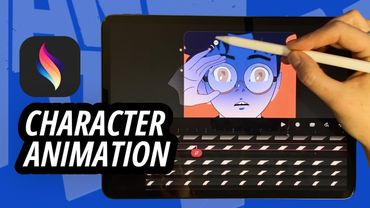
Step-by-Step Character Animation: Blinking Eyes & Dynamic Glasses Gleam in Procreate Dreams!