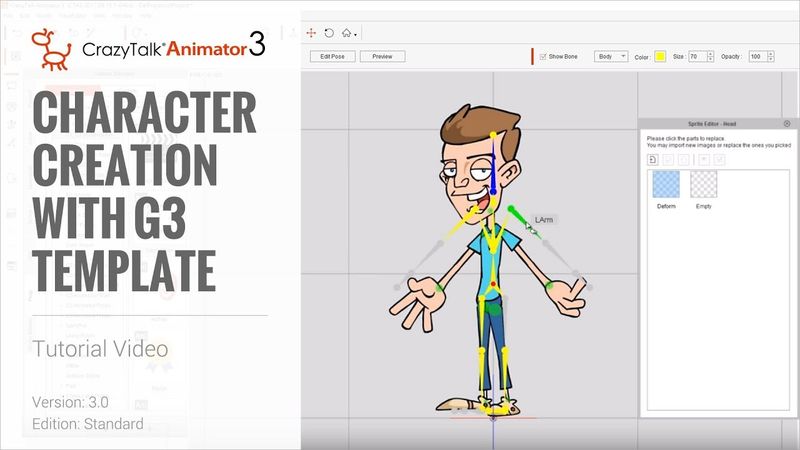
Cartoon Animator 4 Tutorial - Character Creation with G3 Template

Download information and video details for Cartoon Animator 4 Tutorial - Character Creation with G3 Template
Uploader:
ReallusionPublished at:
12/2/2016Views:
289.7KDescription:
New generation of CrazyTalk Animator - Cartoon Animator is here!!! Cartoon Animator 4 (CTA 4): Cartoon Animator 4 Demo Video: We've included the G3 Character Template free with CrazyTalk Animator 3 to allow everyone to use it to quickly and easily assemble their own characters from scratch in no time by simply assigning sprites to the G3 template's skeleton. In this tutorial, you'll find out just how easy it is and how much we've streamlined the character creation process from previous versions. Follow along to learn how to adjust the bone and sprite values for your new character to get ideal results. 0:33 Importing the Dummy Template 2:45 Setting Initial Bone Position 6:00 Sprite Import 12:00 Layer Adjustment FOLLOW US! Facebook: Forum: Blog: ONLINE HELP
Similar videos: Cartoon Animator

How to Make G3 Actors for Cartoon Animator 5 by Garry Pye - FREE
Creating a G3 SVG Character in Illustrator | Cartoon Animator 5 Tutorial
Creating a G3 PSD Character in Photoshop | Cartoon Animator 5 Tutorial
CrazyTalk Animator 3.2 Pipeline Tutorial - Adding Clothing to G3 Characters in Photoshop
Add CGI Characters to Live Footage | Blender VFX Tutorial