Character Intro Freeze effect easy Premiere Pro tutorial no plugin!

Download information and video details for Character Intro Freeze effect easy Premiere Pro tutorial no plugin!
Uploader:
Jon BearPublished at:
6/22/2020Views:
21.8KDescription:
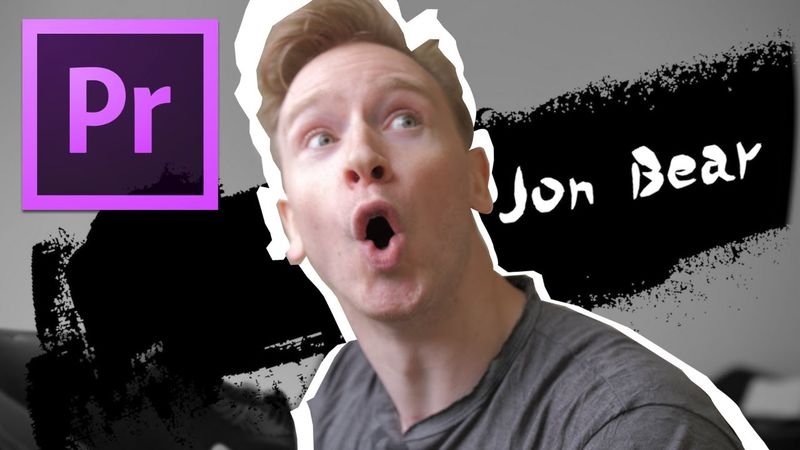
Character Intro Freeze effect easy Premiere Pro tutorial no plugin Learn how to easily create the character intro freeze effect seen in popular movies! Popularized after the Guy Ritchie film, Snatch. This stylistic intro style is fun and impactful. This premiere pro tutorial covers how to easily do it in a few minutes. Steps are as follows: Frame hold on the part you want to freeze, Duplicate layer two slots up (alt and drag), Go to opacity in effects and select pen tool, cut out character, keyframe scale and position, set ease out and ease in on keyframes, Nest the clip, add radial shadow on top, blur out background, add ink splot, add text, keyframe everything to mesh it together! Link to ink splot: 🐻💗Support me on Patreon: My Camera GH5: My Main Lens: Adapter to use on GH5: ~~Video about my main lens: Secondary lens of Cinematic Beauty: ~~Video on my Secondary lens: My Lights Godox: My Softbox for Godox: Secondary lights: ~~Video on lights Amazing lens for Micro Four Thirds: ~~Video about this lens: Aperture tiny light: Audio RODE smartlav: My Camera Mounted Mic: Insane zoom lens for Micro four thirds: ~~Video on zoom lens: Widest lens on Micro Four Thirds: ~~ Video on Widest lens: Music is from Melodie, sign up here to get access to thousands of tracks: ✔ FB group ~~~ #freezeeffect #premierepro #editing
Similar videos: Character Intro Freeze effect easy Premiere Pro tutorial no plugin

How To Create A Ticker Tape Text Animation In Premiere Pro

4 Must-Know Seamless Transitions in Premiere Pro for Smooth Edits
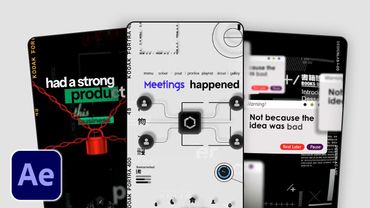
How to Edit VIRAL Fast Paced Reels in After Effects (Easy Breakdown)
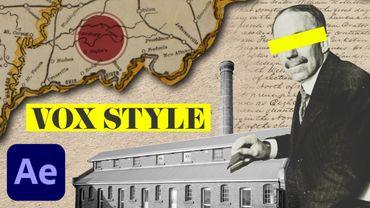
Vox Map Collage Animation | 3D Camera Movement (After Effects Tutorial)
How to Automatically Edit Music Videos using this AI Plugin... | Premiere Pro Tutorial