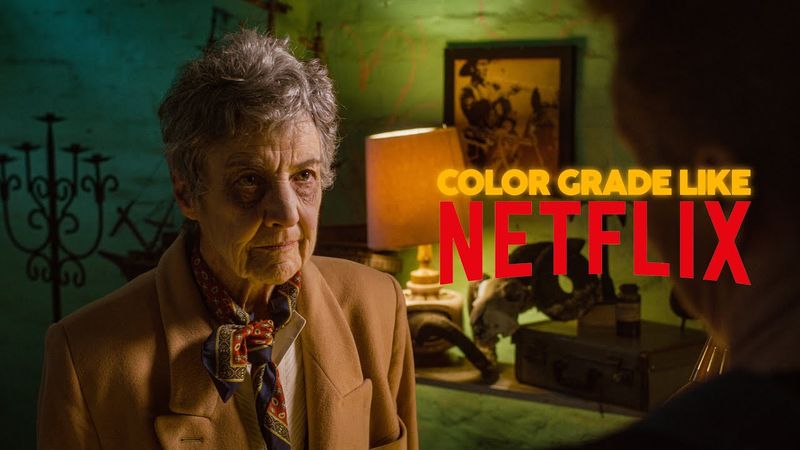
Color Grade Like Netflix – Even as a Beginner

Download information and video details for Color Grade Like Netflix – Even as a Beginner
Uploader:
FreshplugPublished at:
7/29/2025Views:
150Description:
Want your videos to look like Netflix originals? In this beginner-friendly tutorial, I’ll show you how to achieve Netflix-level color grading using only Premiere Pro and Lumetri Color as a Beginner— no plugins or LUTs required. We’ll break down the signature Netflix look: clean shadows, warm skin tones, rich contrast, and that cinematic polish you see in shows like Stranger Things, Narcos, and Ozark. Perfect for filmmakers, YouTubers, and content creators looking to take their visuals to the next level. What you’ll learn: – Basic color correction in Lumetri – Cinematic S-curves for contrast – Netflix-style color wheels & tones – Subtle film look & letterbox bars – Pro tips for clean, high-end grading My One Click Color Grade - Software: Adobe Premiere Pro Skill Level: Beginner to Intermediate Unlock the Secrets of Professional Color Grading 0:00 - 0:35 INTRO 0:35 - 2:01 COLOR CORRECTION 2:01 - 2:30 CREATIVE LOOK 2:30 - 4:22 CURVES 4:22 - 6:45 COLOR WHEELS 6:45 - 9:15 HSL SECONDARY 9:15 - 10:05 OUTRO 💬 Let me know in the comments which film or show you want me to break down next! Like this video if you found it helpful Subscribe for more color grading & editing tutorials Watch next:
Similar videos: Color Grade Like Netflix
C-Log 3 on Canon: What It Is, How to Use It, and Why It Matters
Premiere Pro LOG Color Grading INSTANTLY Without LUTs - Color Management Tutorial
How to Pick Colours for Your Art

How to Use the Elements Plus LUTs Color Profiles for Photoshop Elements

Speed Up Your Digital Painting Process (Flatting)